
Acronis Cloud Backup Services
Acronis cloud backup for business data, servers and Microsoft 365. We plan protection, configure backups and help you recover, with clear responsibilities and a quote matched to your systems.
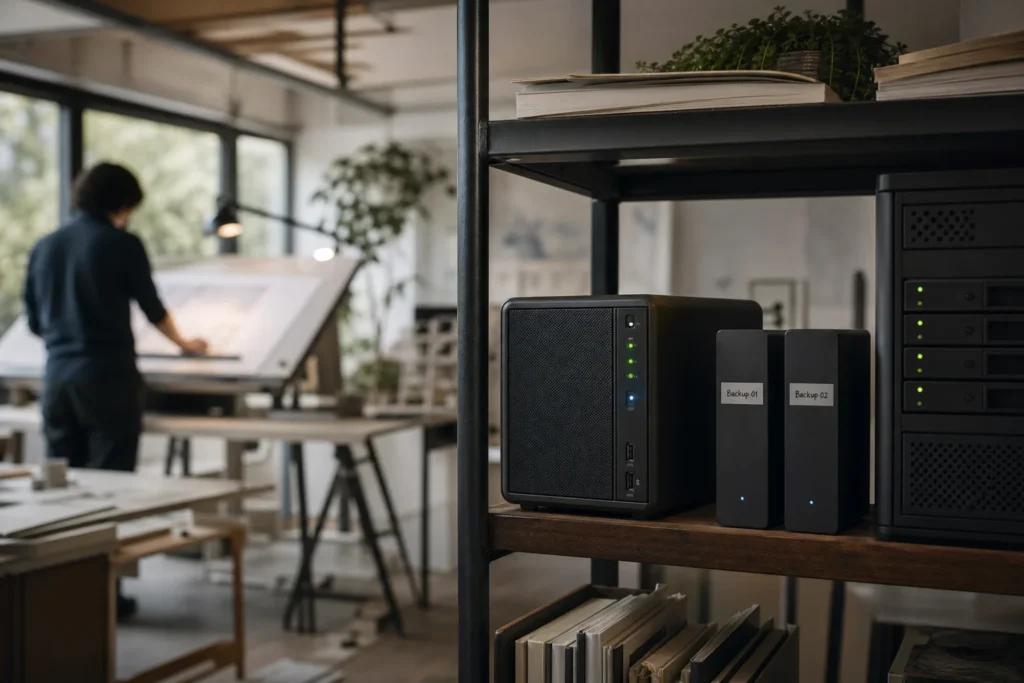
Managed Acronis cloud backup for business
A deleted folder, failed server or unavailable office should not leave your team guessing where its last usable backup is. IT Support Hub offers Acronis cloud backup services for businesses in Toronto, Mississauga, Vaughan, Oakville and across the GTA. We help you choose what to protect, configure the service and plan how to recover when something goes wrong.
The work starts with your business systems: where important information lives, who needs it and how long the business can operate without it. We then agree the protected systems, backup schedule, retention, storage destination and support responsibilities. Ongoing management and restore testing are defined in your service scope.
Acronis provides the backup technology. Our role is to turn it into a documented service your staff can use, with a clear contact for missing files, failed jobs and recovery requests. Request an Acronis backup assessment or call 647-812-3775.

Why add cloud backup to your business protection plan?
Cloud backup keeps recoverable copies away from the equipment that holds your working data. Acronis’s cloud backup overview describes scheduled protection, local and cloud destinations, and recovery of files or complete systems. The right combination depends on what your business needs to recover.
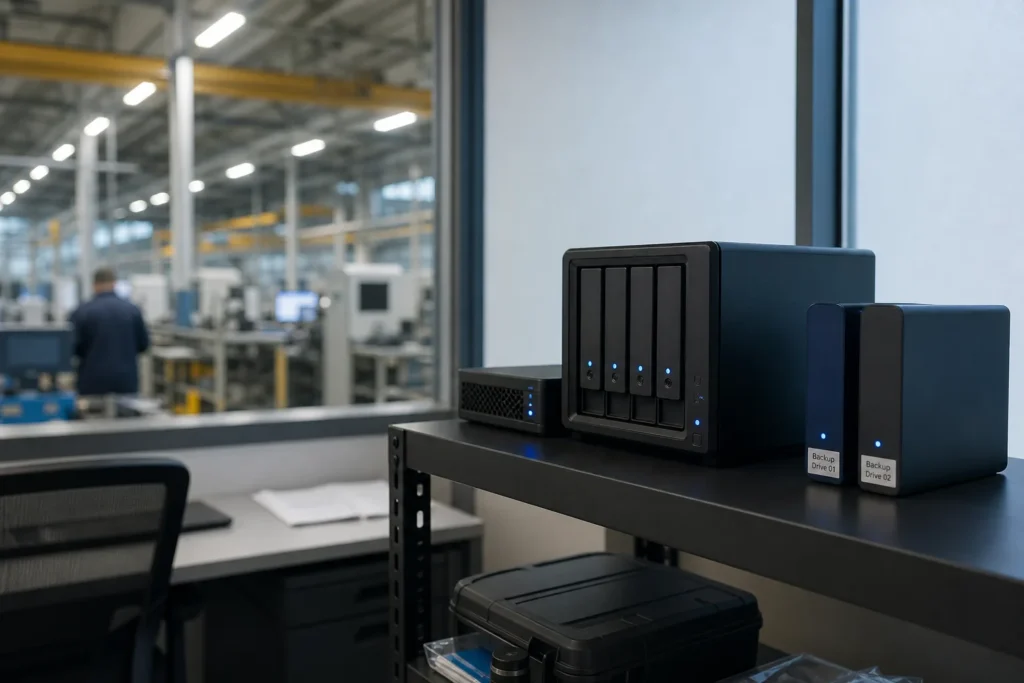
- Reduce dependence on one location. An off-site copy gives you another recovery source if office equipment is damaged or unavailable.
- Recover earlier versions. Retained recovery points can help when a file is deleted, overwritten or corrupted and the problem is discovered later.
- Make backup work repeatable. A scheduled plan reduces reliance on someone remembering to copy files to a drive.
- Plan for growth. Review capacity and protection scope when new employees, servers or applications are added.
- Give recovery a clear owner. Employees know whom to contact, and the recovery team knows which systems have priority.
Cloud recovery depends on connectivity and the amount of data to transfer. Where appropriate, we can scope a local recovery copy alongside cloud storage. No single design suits every business, and backup completion alone does not establish how quickly an application can return to service.
What can we back up with Acronis?
We verify compatibility with your operating systems, applications and selected Acronis service before deployment. Your proposal lists the protected workloads and exclusions, so “business backup” has a concrete meaning.
| Business workload | What we assess | Recovery question |
|---|---|---|
| Workstations and laptops | Business data locations, supported operating systems, connection patterns and device ownership. | Do you need selected files or a rebuilt device? |
| Physical and virtual servers | System images, application dependencies, storage volumes and supported virtualization platforms. | Where would the recovered server run? |
| Files, folders and network storage | Shares, permissions, capacity, exclusions and the supported backup method. | Which folders and permissions must be restored? |
| Business applications and databases | Supported application-aware methods, vendor requirements and consistency checks. | Can the application open and use the recovered data? |
| Microsoft 365 | Selected users, mailboxes, sites and supported collaboration content. | Which items can be recovered, and to which destination? |
For platform capabilities, see Acronis backup and recovery. If a specialist application needs a vendor-managed export or another protection method, we identify that during assessment rather than assume a file copy is enough.
This service can accompany server support, managed IT or a separately scoped server migration.
What IT Support Hub manages
Protection design and setup
We establish the system list, confirm access with an authorized contact and define what belongs in the backup plan. We configure supported agents or cloud connections, schedules, retention and selected storage destinations. Your scope records any exclusions and dependencies, including devices that must be online for protection to run.
Backup status and issue handling
For managed backup, we agree who reviews job status and alerts, how failures are escalated and when capacity is reviewed. A failed job may involve connectivity, credentials, storage or an application problem. We investigate within the agreed scope and involve your staff or software vendor when their input is needed. Monitoring hours and response commitments belong in the service agreement.
Restore assistance and testing
We help locate the appropriate recovery point and restore the agreed data or system. Planned tests check representative files, systems or applications at an agreed frequency. We record the result, note any gaps and recommend changes where the test reveals a problem.
Documentation and change reviews
We document the protected assets, retention rules, destination, escalation contacts and recovery steps. When you add a server, move files or change a business application, we review the backup scope. A new workload should not be assumed protected simply because other systems already use the service.
Our cloud backup setup process
- Identify business priorities. List essential applications and information, nominate system owners and discuss the impact of losing access.
- Set recovery objectives. Agree how much recent work you could afford to lose and how long each service can be unavailable. These targets guide the design.
- Confirm the service and storage. Select supported protection methods, licensing, capacity and retention. Confirm backup location and any requirements for local copies.
- Deploy and configure. Arrange authorized access, install or connect the supported components and apply the agreed policies. Schedule initial uploads around business activity where possible.
- Check the first protection cycle. Review completion, coverage and exceptions. Confirm the intended data is included, rather than treating an installed agent as proof of protection.
- Test recovery and hand over. Restore agreed sample data or workloads, record observations and explain how staff request recovery. Establish the ongoing review and testing schedule.
Before replacing an existing backup service, we agree how its retained data will remain available. We do not treat the first successful new backup as permission to remove older recovery history.

How we approach a recovery request
Start by telling us what is missing, when it was last usable and which people or applications are affected. We confirm who can authorize recovery and whether restoring over existing data could overwrite newer work.
- Deleted document: identify the file and date, select a suitable recovery point and verify the restored copy with its owner.
- Failed server: identify replacement infrastructure, restore the required workload and test access, applications and dependent services.
- Suspected cyberattack: coordinate containment and recovery decisions with the incident response team before reconnecting restored systems.
- Office unavailable: follow the agreed continuity plan for alternative equipment, connectivity and application access.
Recovery point objective, or RPO, describes the acceptable age of recovered data. Recovery time objective, or RTO, is the target time to restore service. They are planning targets that must be tested against your environment, not automatic promises made by installing backup software.
If you need applications to run elsewhere during an outage, discuss a separate disaster recovery design. Acronis disaster recovery can add an alternate operating environment for eligible workloads, with failover, testing and return-to-production planning. Availability, infrastructure, networking and usage charges must be scoped. See our backup and disaster recovery service for the broader approach.
Protecting backup access and recovery copies
Acronis offers encryption and, on supported destinations, immutable storage that retains protected copies for a configured period. Backup scanning and other recovery-security capabilities are available for supported configurations. We confirm which features apply to your selected service rather than assume every feature is enabled. See the official backup platform details.
Our design discussion covers administrative access, authentication, encryption-key responsibility, retention settings and who may approve destructive changes. If an encryption password or key is required for recovery, its custody must be agreed and documented before an incident.
For data-location requirements, we confirm the actual backup destination and available recovery region before setup. A Canadian business address does not establish where data is stored. Any requirement to keep data in Canada should be written into the assessment and checked against the selected service.
Backup complements cybersecurity; it does not remove the need to protect accounts, patch systems or investigate an intrusion. Retention and technical controls should support your organization’s policies, with any legal or contractual requirements reviewed by your responsible advisers.
Acronis backup for Microsoft 365
Acronis offers protection for Exchange Online, OneDrive for Business, SharePoint Online and supported Teams content. Coverage and recovery options depend on the selected backup approach. Its Microsoft 365 backup documentation distinguishes Acronis Cloud storage from Microsoft 365 Backup Storage, including differences in recovery granularity and retention.
We identify the users, shared resources and sites to include, then agree how new accounts and departing employees will be handled. A licence change or deleted account should trigger a retention review, not an assumption that data will remain available indefinitely.
Teams protection has limitations: private one-to-one and group chats are not backed up through the documented Acronis service, and channel conversations have different export and recovery behaviour from files. We confirm the required content before promising coverage.
Your Microsoft 365 service already provides native resilience and recovery features. A separate backup design should address the specific recovery history, independence and restore options your organization needs. Our Microsoft 365 support team can review these alongside the rest of your tenant.

What determines the cost of Acronis cloud backup?
We quote Acronis backup around the systems you want to protect and the service you need. The proposal should separate initial setup, licensing, storage and ongoing management, with any recovery-project or disaster-recovery charges explained.
- Workloads: devices, servers, virtual machines, applications and Microsoft 365 users in scope.
- Data and growth: current capacity, how much changes and expected expansion.
- Retention: how far back recovery history must extend and which versions must be retained.
- Storage and recovery design: cloud destinations, local hardware and any alternate recovery environment.
- Service responsibilities: monitoring, reporting, testing frequency and assistance during recovery.
Our published managed IT plan includes Microsoft 365 backup. Server, NAS and database backup setup is separately scoped, with storage costs identified in the proposal. We confirm how your Acronis requirements fit your existing agreement so the scope is clear. See IT support pricing and backup service inclusions.
We do not publish a single storage price that assumes every business has the same retention, workloads or recovery requirements. Send us your approximate data size and system count for a practical quote.
Request an Acronis cloud backup assessment
Tell us which systems hold your essential data, roughly how much storage they use, what backup you have today and what you need to recover first. Include any concern about failed jobs, missing recovery history, storage location or an upcoming server change.
We support businesses in Toronto, Mississauga, Vaughan and Oakville, with remote coordination and on-site work when the agreed project requires it. We can also work alongside your internal team through co-managed IT support.
Request your backup quote, contact IT Support Hub or call 647-812-3775. If systems are already down, use our emergency support line. Please do not send passwords or encryption keys through the contact form.
Explore our full range of business IT services or return to the IT Support Hub home page.
Questions people ask
What is Acronis cloud backup?
It is backup technology that creates recoverable copies of supported business data or systems in cloud storage. IT Support Hub helps scope, configure and manage an Acronis-based service, with the protection and support responsibilities agreed in your proposal.
What are the main benefits for a small business?
An off-site recovery source, retained versions of important data, repeatable backup schedules and a defined process for requesting restores. The practical benefit depends on correct coverage, usable recovery points and a tested plan.
Is cloud backup the same as OneDrive or file synchronization?
No. File synchronization keeps working copies aligned across locations and can also propagate unwanted changes. Backup keeps recovery history according to its configured policy. Native version history and recovery tools are useful, but should be checked against your business requirements.
Can you back up our server and Microsoft 365?
We can assess both for an Acronis-based service. Server compatibility, application consistency and Microsoft 365 coverage must be confirmed for the chosen protection method. The quote lists exactly which systems and data are included.
How often will our backups run?
We agree a schedule based on how much recent work you can afford to lose, the workload and available capacity. A configured schedule is only part of the answer: successful runs and usable recovery points must also be reviewed.
Can you restore one file instead of an entire server?
Supported backup methods can provide individual-file recovery. We confirm the recovery options for each workload during setup and test the agreed scenarios.
How long does a restore take?
It depends on data size, connection speed, storage performance, available replacement infrastructure and application checks. We establish a target and use testing to assess it. We do not promise a universal recovery time.
Are all backups stored in Canada?
The storage location must be confirmed for your selected service. Tell us if Canadian data residency is a requirement so we can check the available destination and recovery options before deployment.
Does Acronis backup make us immune to ransomware?
No. Protected recovery copies can support recovery, but accounts, systems and backup administration still need security controls. Supported immutability and security features must be configured, and recovery should be coordinated with incident containment.
Do you monitor backups and test restores?
We can include job-status review, alert handling and scheduled restore testing in managed backup. The agreement defines the hours, frequency, escalation responsibilities and testing scope.
Is disaster recovery included with cloud backup?
Not automatically. Backup preserves recoverable data; disaster recovery also plans where systems run and how services resume. Alternate recovery infrastructure, networking, failover testing and usage costs require a separate agreed scope.
How do we move from our current backup provider?
We review existing coverage and retention, configure the new service and verify agreed recovery tests. We then plan the transition and continued access to older backups before any existing service is retired.
Tell us what’s going on
Pick how urgent it is and leave a way to reach you. The help desk replies by phone or email. If work has stopped, call 647-812-3775 instead.
Something broken, or something to plan?
For anything urgent, call. A technician answers the emergency line 24/7. For everything else, open a ticket and tell us what is going on.