
IT support for logistics and distribution operations
Wi-Fi that reaches every aisle with the racking full, scanners and label printers monitored through the night wave, a VPN between warehouses that recovers by itself, and an emergency line that answers at 2 a.m. For GTA warehouses, 3PLs and transport operators.
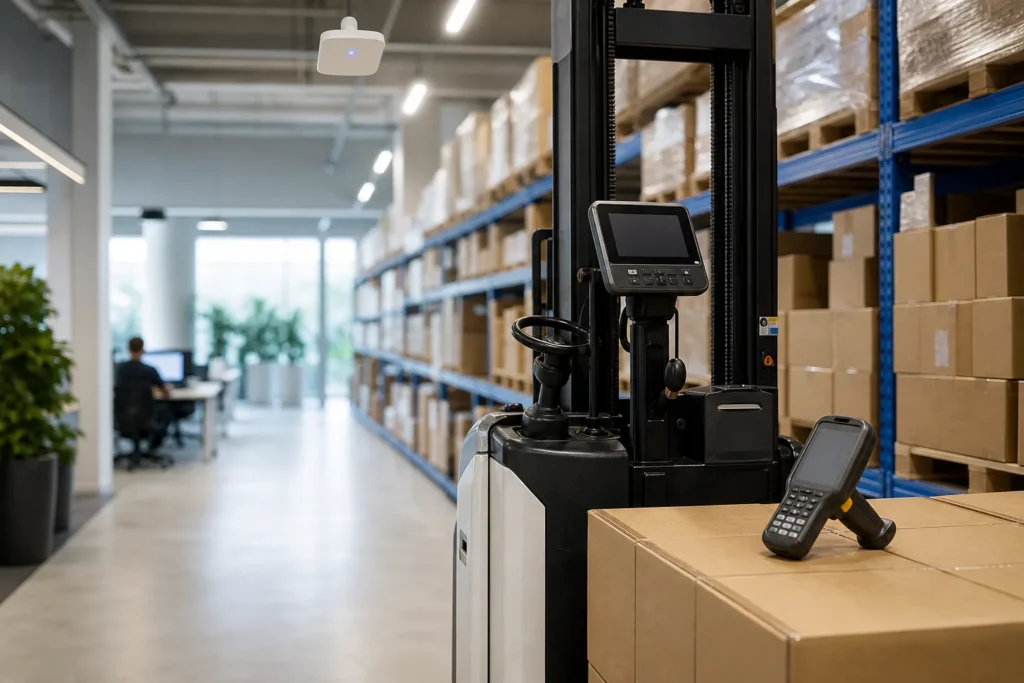
What breaks in a warehouse, and why it breaks at 2 a.m.
A distribution operation does not keep office hours. Inbound trucks arrive before dawn, pick waves run through the night, and a retailer’s EDI window closes whether or not your system was up.
The failures we see are specific to that rhythm: handheld scanners that drop off the Wi-Fi in the aisles between high racking, a label printer that stops mid-wave and holds up a whole dock door, the site-to-site link to the second warehouse failing silently so inventory is wrong on both sides, and a WMS server that nobody has patched because there is never a quiet hour to reboot it.
We set warehouses up for the night shift. Monitoring watches the scanners, the printers and the links, not just the servers, so a dead access point raises a ticket before the pickers notice. Maintenance windows are agreed around the wave schedule and the carrier cut-offs. The firewall at each site has a backup line and a VPN that re-establishes itself without a human. And the 24/7 emergency line is answered by a technician, because a down WMS at 2 a.m. is exactly the call it exists for.
Wi-Fi between the racking, scanners and the devices that run the floor
Warehouse Wi-Fi is a radio problem before it is an IT problem. Steel racking, full pallets and mezzanines block and reflect signal, and an access point layout that worked when the building was empty fails when it is full. We survey the floor as it actually operates, with product on the shelves, place access points for the aisles rather than the office, and set the network up so a scanner roams between them without dropping its session. Where the building has a yard or a cross-dock, outdoor-rated access points cover the dock doors and the trailer spots.
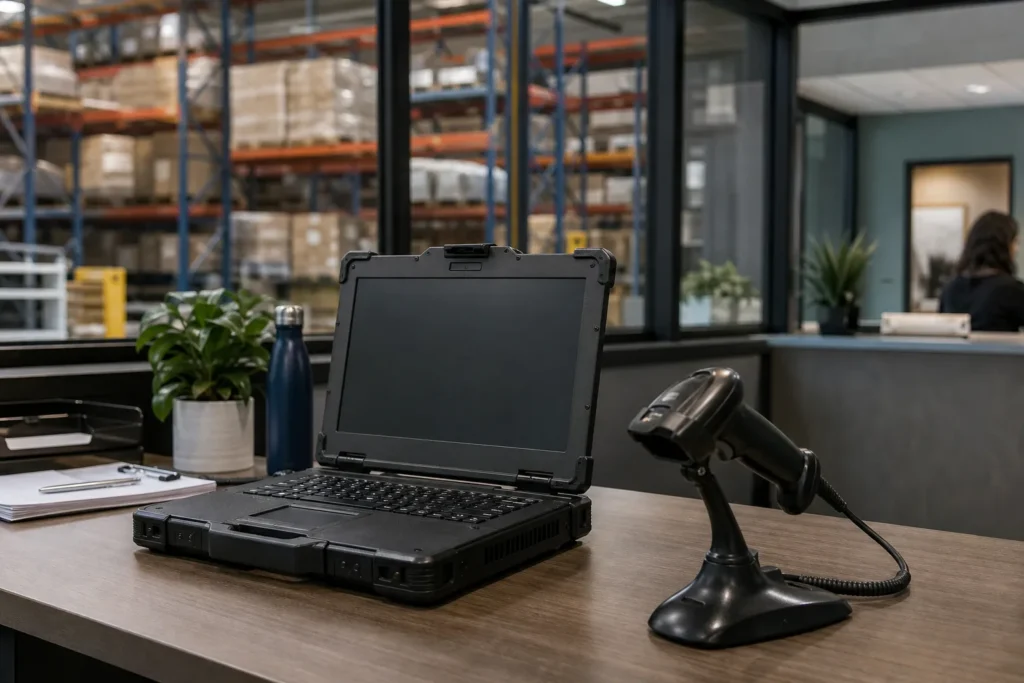
The devices on that network are the other half. Zebra and Honeywell handhelds, vehicle-mounted terminals on the forklifts, label and shipping printers at every pack station, and the scales and dimensioners feeding the shipping system all have to be enrolled, configured and replaceable.
We manage the handhelds centrally so a replacement unit is on the floor within minutes with the right apps and the right Wi-Fi profile, and we keep spares of the printers that stop the line when they fail.
Driver tablets and ELDs in the trucks, and the TMS they report to, sit on a separate footing: cellular, managed remotely, with the data flowing back to the office over the carrier network. Where you run EDI with retailers, we treat the EDI connection and its schedule as a monitored service, because a missed ASN costs chargebacks that show up on next month’s invoice.
Logistics software and systems we support
A GTA distribution operation typically runs a warehouse management system, a transportation management system and an accounting or ERP system, connected by EDI to customers and carriers. We support the servers, networks and devices those run on whether the WMS is on a server in the building or hosted, and we hold vendor contacts for the applications so an integration failure goes to the right vendor with the network already ruled out. Common stacks we see include a mid-market WMS alongside Sage 300, Dynamics 365 Business Central or NetSuite, a TMS for dispatch and rating, carrier integrations with Canada Post, Purolator, FedEx and UPS, and an EDI provider handling orders, ASNs and invoices with retail customers.
Cross-border operations add the CBSA’s CARM portal and a customs broker’s integration, and 3PLs add a client portal and a billing system that depends on accurate scan data.
Around all of it sits Microsoft 365 for email and documents, a hosted phone system reaching dispatch and the dock office, and the cameras, access control and gate systems that security and insurers expect.
Where the WMS runs locally, we keep the server on a supported operating system with a tested recovery plan, because a warehouse without its WMS is a warehouse running on paper. Where it is hosted, we make sure the building has two routes to it.
What the managed plan covers for a logistics operation
The managed IT plan is priced per user per month and covers unlimited remote help desk, on-site visits across the GTA, endpoint protection, email filtering, multi-factor setup and Microsoft 365 backup. For a warehouse or transport operator that translates into a few specific outcomes.
- A warehouse network surveyed with product on the shelves, with access points for the aisles and docks, a managed firewall with a backup line, and VPN between sites that recovers on its own.
- Handhelds, vehicle terminals and printers managed centrally, with spares staged so a failure on the floor is a swap rather than a wait.
- Backups of the WMS, TMS and accounting systems with a written recovery order that brings the floor back first.
- Security controls that satisfy customer questionnaires and the cyber-insurance renewal: MFA, monitored endpoint protection, segmentation between the office and the floor, and no end-of-life systems on the network.
- Microsoft 365 for the office with shared mailboxes for dispatch, customer service and receiving, and licences removed the day someone leaves.
- Phones on hosted VoIP with ring groups for dispatch and the dock office, reachable from the yard.
Work with a clear start and finish is quoted as a project before anything begins. For logistics companies that is usually one of these.
- Warehouse Wi-Fi survey and redesign for a full building, including the docksFixed quote
- New facility opening: network, Wi-Fi, scanners, printers, cameras and VPN before go-liveFixed quote
- WMS server replacement or move to a hosted platform, with the cutover planned around the wave scheduleFixed quote
- Site-to-site VPN and failover between warehouses and head officeFixed quote
- Handheld fleet refresh with central management and staged sparesFixed quote
What we set up for a typical two-warehouse distributor
Take a distributor with a 60,000 square foot warehouse in Mississauga, a smaller overflow site in Vaughan, 30 office staff, 45 floor staff on two shifts, 40 handhelds, 12 pack stations and a WMS on a server in the main building.
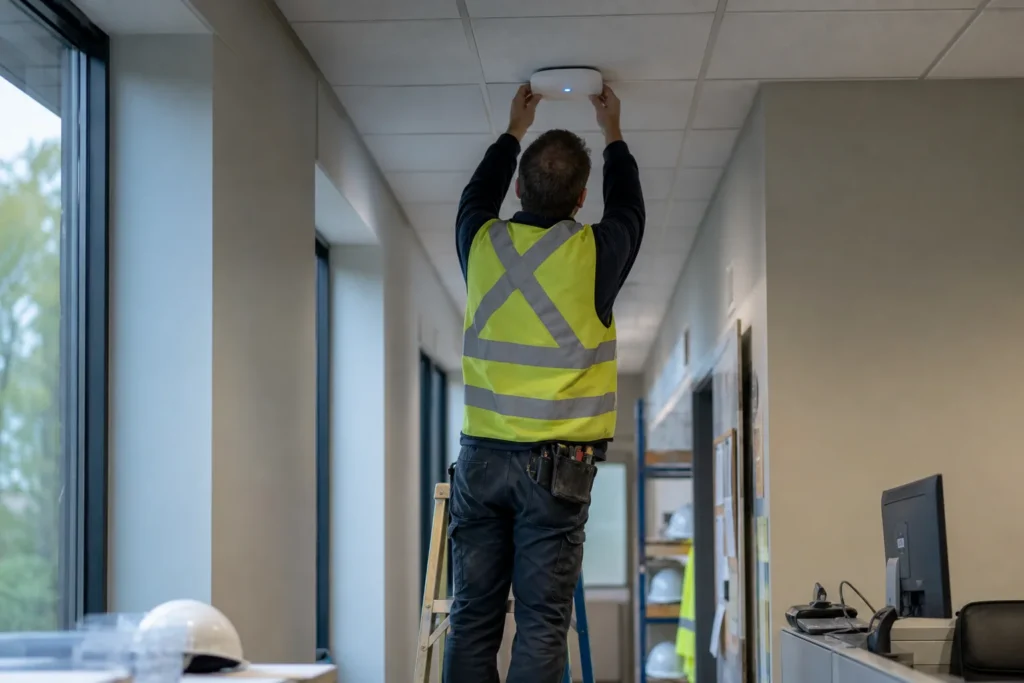
The main building gets a Wi-Fi survey with the racking full, access points placed per aisle and over the docks, and a network split into floor, office, cameras and guest segments.
The firewall has a fibre line and an LTE backup, and a VPN to the Vaughan site that re-establishes itself if either side drops. The 40 handhelds are enrolled in central management with the WMS client and the Wi-Fi profile pushed to them, and four spares sit charged at the supervisor’s desk. Each pack station’s label printer is monitored and two spares are on the shelf. The WMS server runs on a supported Windows Server version, is backed up nightly to a local appliance and off site with the copy immutable for 30 days, and has a written recovery order that restores it before the office file server. Office staff run on Microsoft 365 with multi-factor sign-in enforced and email filtering in front. The EDI connection to the two largest retail customers is monitored for missed transmissions. Maintenance windows are Sunday 10 a.m. to 2 p.m., between the Saturday night wave and the Monday inbound. The operation can answer a customer’s security questionnaire from a document we maintain, and when an access point fails in aisle 14 at 2 a.m., the ticket is open before the night supervisor calls.
Where we support logistics and distribution clients
On-site visits are included in the managed plan across the GTA, and for warehouses that means the floor, not just the office. The GTA’s distribution corridor runs through Mississauga around the airport, Dixie and Heartland, through Brampton’s Bramalea and Highway 410 industrial parks, along Highway 400 and Highway 7 in Vaughan, out to Milton and Oakville on the 401 and QEW, and into the Port Lands and the east-end industrial areas of Toronto, whose own employment areas hold more than 36,000 transportation and warehousing jobs. Markham, Pickering, Ajax and Hamilton sites are covered on the same terms, and a facility beyond the GTA is supported remotely with visits arranged as needed.
Questions people ask
Our scanners drop off the Wi-Fi in certain aisles. Can that be fixed?
Almost always. Dead spots between full racking come from access points placed for an empty building or for the office. We survey the floor with product on the shelves, reposition or add access points per aisle and over the docks, and configure the network so a handheld roams between them without losing its session.
Do you support our WMS and TMS?
We support the servers, networks, handhelds, printers and workstations they run on, whether the WMS is on a server in your building or hosted, and we hold vendor contacts for the applications. An integration or EDI failure goes to the right vendor with the network already ruled out, which usually shortens the fix.
Who answers when the WMS is down during the night shift?
The 24/7 emergency line, 647-812-3775, answered by a technician at any hour. The regular help desk runs Monday to Friday, 8 a.m. to 6 p.m., for everything that is not stopping the floor.
What does managed IT cost for a warehouse?
The managed plan is $125 to $175 per user per month for staff with an account and a computer, which usually means office, dispatch and supervisors rather than every picker. Handhelds, printers, access points and firewalls are quoted separately, and a Wi-Fi redesign or a new facility setup is a fixed-price project.
When do you do maintenance if we run two shifts?
In a window agreed around your wave schedule and carrier cut-offs, typically a few hours on a Sunday between the last outbound and the first inbound. Security fixes that cannot wait are discussed with you first and done outside the waves.
We have a second warehouse. Can both sites share inventory data reliably?
Yes, over a site-to-site VPN between managed firewalls at each location, with a backup line at each end and monitoring that opens a ticket if the link drops. Where the WMS is hosted, both buildings get two routes to it; where it is on a server at one site, the other site reaches it over the VPN with the link watched around the clock.
Tell us what’s going on
Pick how urgent it is and leave a way to reach you. The help desk replies by phone or email. If work has stopped, call 647-812-3775 instead.
Something broken, or something to plan?
For anything urgent, call. A technician answers the emergency line 24/7. For everything else, open a ticket and tell us what is going on.