
Networks and firewalls
Cisco, UniFi and Fortinet installs and support for GTA offices, VPN for staff working from home, and links between your sites. When the internet drops, you call one number.
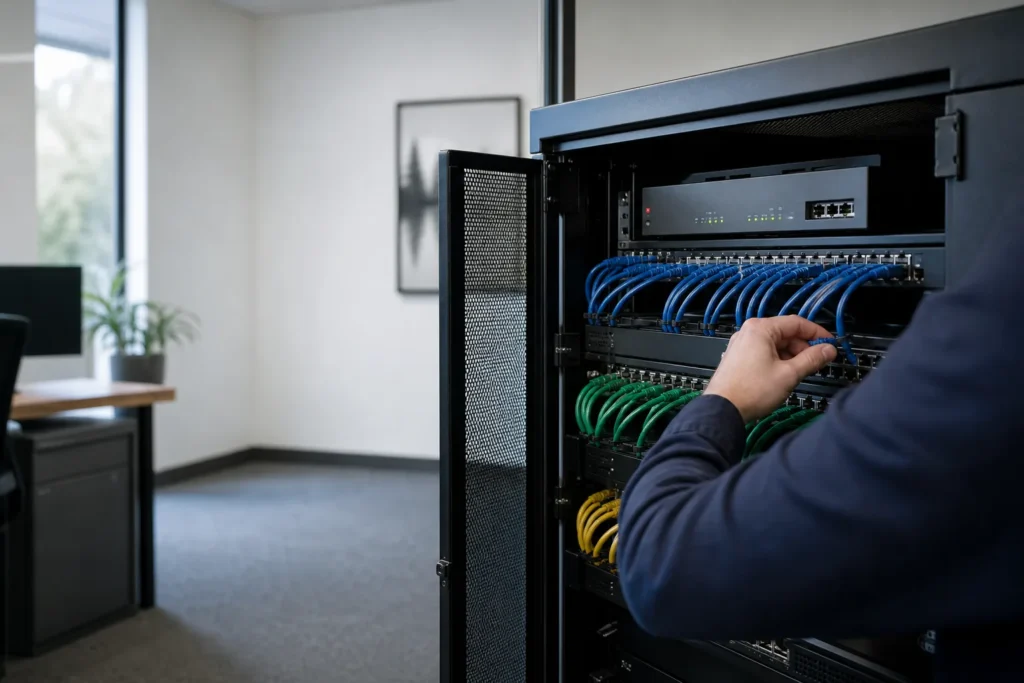
Most office network trouble starts at the edge
An expired firewall licence, a consumer router doing a business job, Wi-Fi that drops in the boardroom, a VPN nobody remembers setting up. We find what you have, fix what is fragile, and write it down so the next person is not guessing. When the internet drops, the same help desk that answers your other IT questions takes the call.
Already have equipment you like? We support it as installed, and recommend replacing only what is out of support or too small for your office. The diagram shows the parts of a typical office network we set up and look after, from the internet line to the last desk.
From the internet line to the last desk
We work on the firewall, the switches, the Wi-Fi, remote access for staff and the links between offices. We install and support Fortinet FortiGate, Cisco and Ubiquiti UniFi equipment. If the problem is anywhere between your internet provider’s box and a staff member’s laptop, one team traces it, so you are not passed between vendors.
Firewalls
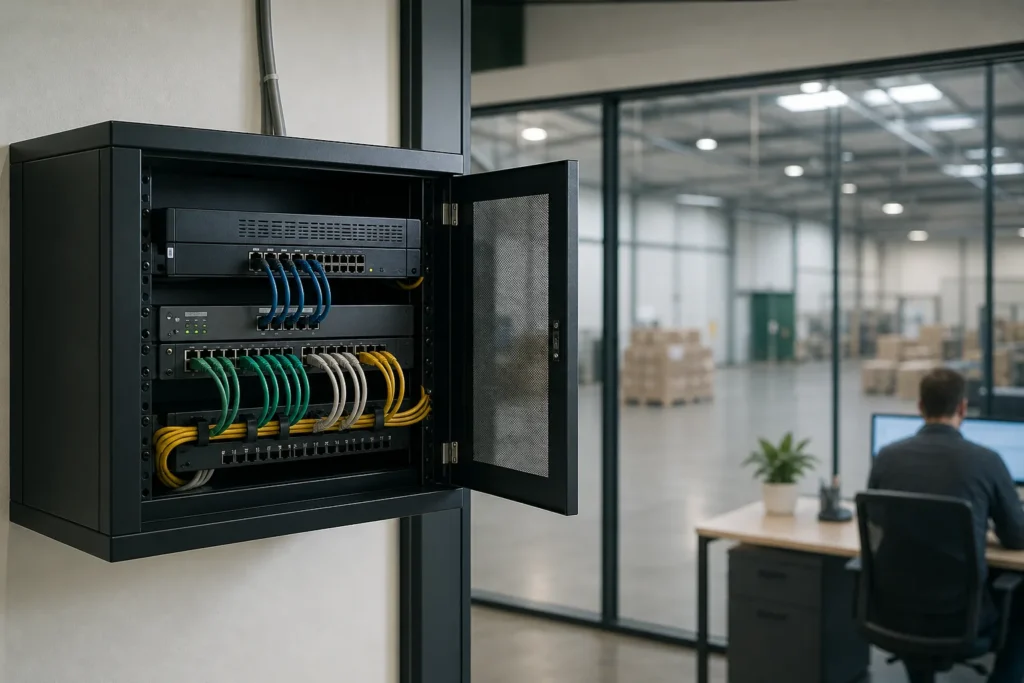
The firewall sits between your office and the internet and decides what traffic gets through. We size new ones for your internet speed and staff count, and document the rules, the firmware version and the date the security subscription renews. A lapsed subscription can quietly switch off some of the firewall’s protection.
Switches and Wi-Fi
Switches connect every wired desk, printer, phone and access point. Wi-Fi problems are usually about where the access points sit and how many people share each one. We put coverage where people actually work and keep guest Wi-Fi on its own network, apart from office computers and servers.
| Network and firewall work | Managed plan |
|---|---|
| Help desk calls about internet, Wi-Fi and VPN trouble | Included |
| On-site visits across the GTA when something on the network breaks | Included |
| Small requests such as adding or removing a VPN user | Included |
| Firewalls, switches and access points | Billed separately |
| Firewall security subscriptions and licence renewals | Billed separately |
| Firewall replacement, Wi-Fi refresh, site-to-site links | Fixed quote |
VPN for staff working from home
A VPN gives staff at home a protected connection back to the office, so they can reach files, printers and applications that are not in the cloud. We set it up on your firewall, add multi-factor sign-in so a stolen password is not enough, and install the client on staff laptops. Adding and removing users is a help desk call.
The VPNs we are asked to fix were usually set up in a hurry. Everyone shares one login, people who left years ago still have access, or the VPN runs on a firewall that no longer gets security updates. A clean-up gives each person their own account and MFA, removes old users and moves the VPN onto supported equipment.
Some offices find they need less VPN than they thought. Once files move to SharePoint and OneDrive, staff can open them from anywhere without one. Our Microsoft 365 page covers that move. A VPN still makes sense for an accounting database, a line-of-business server or a printer at the office.
Connecting a second office
A site-to-site link joins two offices over the internet so they work as one network. Staff at either location reach the same server, printers and phone system, and nobody has to start a VPN on their laptop. We set it up between two firewalls, test it from both ends and document the settings.
Both ends behave best on matching firewalls, so a second office is a good time to standardize. We look at the internet service at each location, because the link can only run as fast as the slower upload speed. For a warehouse or plant, we also check Wi-Fi coverage out on the floor.
A new location usually needs more than the link. It needs a firewall, a switch, Wi-Fi and often phones. We quote the network side as one project. Phones are covered on business phone systems.
Network projects with a fixed price
Network upgrades and new installs are quoted at a fixed price before any work starts. The quote lists the equipment, the labour and when the switch-over happens, planned around your working day. Hardware and licences are listed separately so you can see what each part costs. For ongoing support, see the monthly plan and hourly options.
- Firewall replacement for an office up to 50 staffFixed quote
- Wi-Fi refresh with access points and a coverage checkFixed quote
- Site-to-site link for a second officeFixed quote
- VPN clean-up and multi-factor sign-inFixed quote
- Switch replacement and network tidy-upFixed quote
- Network setup for a new office or moveFixed quote
Questions people ask
Do you support firewalls you did not install?
Yes. We support Fortinet, Cisco and UniFi equipment as installed, starting with a look at how it is set up and whether it still gets security updates. We recommend replacing only what is out of support or too small for your office, and any replacement is quoted before work starts.
Does the monthly plan cover network problems?
Help desk calls about internet, Wi-Fi and VPN problems are included, as are on-site visits across the GTA when something breaks and small requests such as adding a VPN user. New equipment, its licences and projects such as a firewall replacement or Wi-Fi refresh are billed separately or quoted.
Do staff working from home need a VPN?
Only if they need something that lives in the office, such as a file server, an accounting database or a printer. If your files are in SharePoint and OneDrive, staff can open them securely from anywhere without one. Where a VPN is needed, each person should have their own login with multi-factor sign-in.
How often should a business firewall be replaced?
Replace it when the manufacturer stops releasing security updates for your model, or when it can no longer keep up with your internet speed and staff count. Age alone is a poor guide. Look up the end-of-support date for your model, and check that its security subscription is still active.
Can you connect our two offices?
Yes. A site-to-site link between two firewalls lets staff at both locations reach the same servers, printers and phone system without starting a VPN themselves. We check the internet service at each end, set up the link, test it from both sides and quote the work as a fixed project.
Tell us what’s going on
Pick how urgent it is and leave a way to reach you. The help desk replies by phone or email. If work has stopped, call 647-812-3775 instead.
Something broken, or something to plan?
For anything urgent, call. A technician answers the emergency line 24/7. For everything else, open a ticket and tell us what is going on.