
Co-managed IT for mid-size teams
For GTA organizations of 50 to 250 people with their own IT staff. Our senior technicians add after-hours cover, project capacity and a second opinion, around the team you already have.
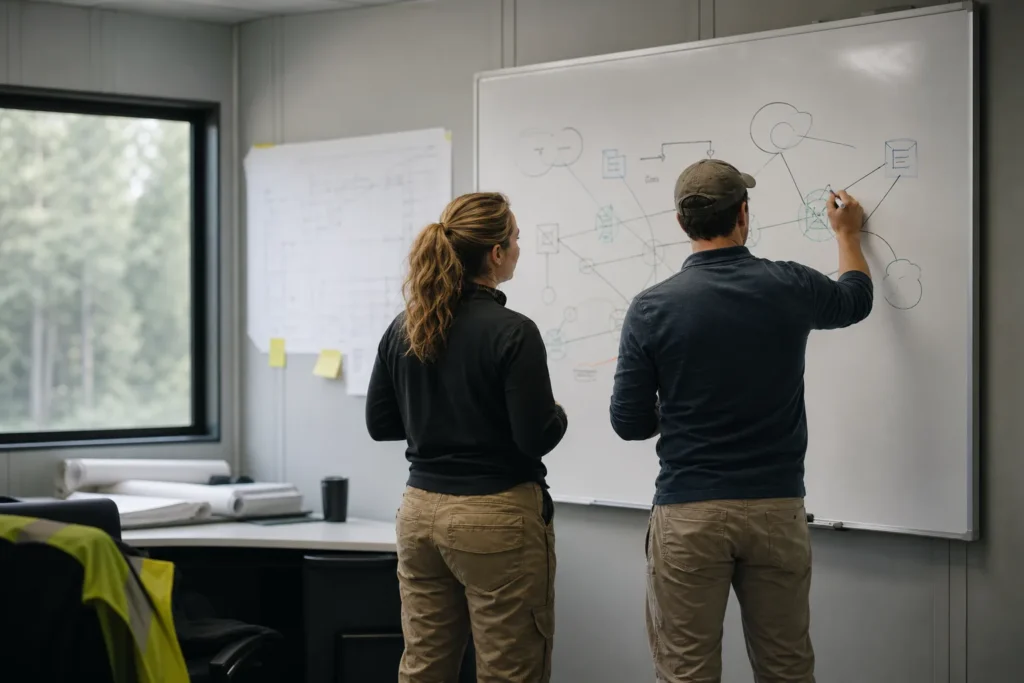
What if you already have internal IT staff?
Then you probably need more depth around them. Your IT person or team knows your systems and your people. What they lack is cover at night, hands for big projects and someone senior to check their thinking. Co-managed support adds our technicians around them, for the work they choose to hand over.
This page is for GTA organizations of roughly 50 to 250 staff with at least one person in IT. The signs that the team needs help usually look like this:
- Your IT manager has not had a full week off without being called.
- A Microsoft 365 migration or a server replacement has sat on the list for a year because the help desk never goes quiet.
- An outage at night waits until morning because nobody is on call.
- One person holds every admin password, and nobody else could step in.
- Leadership wants a three-year IT budget that nobody on the team has time to write.
| Area | Your team might keep | You might hand to us |
|---|---|---|
| Everyday requests | Staff questions in the office, new starters, local knowledge | Help when your team is away, if agreed on the call |
| Nights and weekends | Decisions that need someone senior on your side | First response on our 24/7 line |
| Projects | Planning, priorities and sign-off | Build, cutover and cleanup on a fixed quote |
| Networks and firewalls | Routine changes | Replacements, VPN faults, a check on rule changes |
| Planning | Day-to-day priorities | A roadmap and budget through IT consulting |
You decide the split, and we price the quote around it. The split can change as your team changes.
After-hours cover when your team is off
Our 24/7 emergency line is answered by a technician at any hour. For a co-managed client, that means a site that drops offline at 11 p.m., or a ransom note on screen on a Sunday morning, reaches a person who can start work.
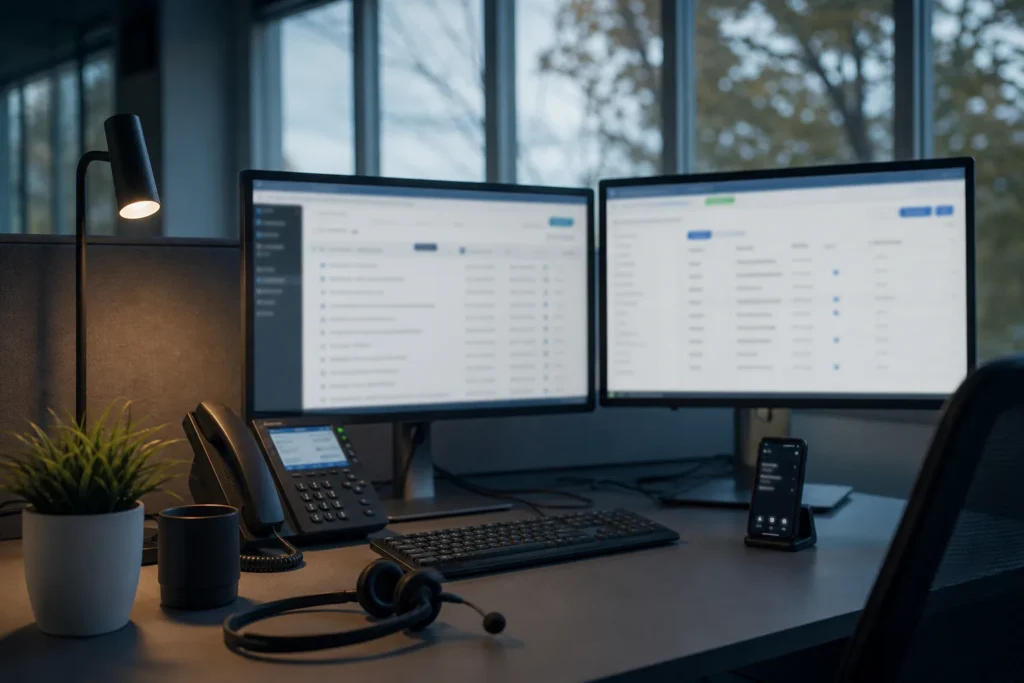
Agree in advance which calls your own IT lead wants to hear about straight away.
Three things decide whether outside after-hours cover works. Settle them before the first night call:
- Who gets called on your side, and for what. Some decisions belong to your IT lead or an executive, such as shutting down a server or calling your insurer.
- What the outside technician may change without asking. Restarting a service is one thing. Changing a firewall rule is another.
- How access works. Which accounts the outside technicians sign in with, so your team can see that access and remove it.
Tell us on the call if you also want cover for your IT person’s holidays and sick days. The 24/7 emergency support page lists what counts as an emergency.
Project capacity for the work that keeps slipping
Migrations, network refreshes and server replacements often stall in mid-size IT teams because the help desk never stops. We take on project work with a fixed quote agreed before work starts, while your team keeps users running. Your team keeps the decisions, and our technicians put in the hours of build, cutover and cleanup.
Projects that mid-size teams commonly hand over:
- Moving email and files to Microsoft 365, or tidying SharePoint sites and Teams that grew without a plan.
- Replacing firewalls and switches, refreshing Wi-Fi, or linking a second site by VPN.
- Retiring Windows Server 2016 before its extended support ends on January 12, 2027, or moving a workload to Azure.
- Upgrading the remaining Windows 10 PCs to Windows 11.
- Moving the office to Teams Phone or a hosted phone system.
A project can be bought on its own, with or without a co-managed arrangement. Servers and Exchange covers the end-of-support deadlines in more detail.
A second senior opinion before big decisions
An IT manager working alone has nobody to check a firewall rule, a licensing plan or a server sizing before it goes live.

Our technicians are senior and long-tenured, with more than 30 years of combined experience, and the same team handles networks, servers, Microsoft 365 and security. Ask them to look before you commit, while changing course is cheap.
Things worth a second look:
- A firewall or VPN change before it goes in.
- A vendor’s quote for new servers, switches or licences.
- Your Microsoft 365 licence mix, such as which staff need Business Premium.
- A plan to retire an on-premises server or Exchange.
- The IT budget you are about to present to leadership.
For longer-range planning, our IT consulting and vCIO service builds the roadmap and budget with your IT lead. Your team keeps the final say.
How co-managed support is priced
Co-managed support is quoted after a call, because no two arrangements split the work the same way. The price depends on how many staff and devices you have, which systems you run, which hours you want covered and which projects are coming. Projects inside the arrangement get their own fixed quote before work starts.
What we ask about on the call:
- How many staff, devices and sites you have.
- Who is on your IT team today and what each person handles.
- Which hours and days you want covered.
- Your main systems: Microsoft 365, on-premises servers, firewalls and phones.
- Projects planned for the next year.
Call 647-812-3775, or open a ticket with the form on this page and mention co-managed support. For comparison, the pricing page shows our managed plan for offices without IT staff.
Questions people ask
What if I already have internal IT staff?
Then co-managed support usually fits better than a fully managed plan. Your staff keep the systems and decisions they own today, and our technicians add after-hours cover through the 24/7 line, capacity for projects and a senior second opinion. You decide how the work is split, and we quote the arrangement after a call.
What is co-managed IT?
Co-managed IT is an arrangement where an outside IT company works alongside your own IT staff. Your team keeps ownership of your systems and day-to-day decisions. The outside team adds the hours, skills or cover your team is short of, such as nights and weekends, large projects or a second set of eyes on a big change.
How much does co-managed IT cost?
We quote co-managed support after a call. The price depends on how the work is split, which hours you want covered, how many staff, devices and sites you have, and which projects are planned. Projects inside the arrangement get a fixed quote agreed before work starts. Call 647-812-3775 to start that conversation.
Can you cover our IT person after hours and on holidays?
After hours, yes. Our 24/7 emergency line is answered by a technician, so a problem that stops work at night or over a weekend reaches someone who can start on it. If you also want cover for holidays and sick days, raise it on the call and we will tell you whether we can cover it.
Can we hire you for one project without a co-managed agreement?
Yes. A Microsoft 365 migration, a firewall replacement, a Windows Server 2016 retirement or a Windows 11 rollout can each be bought on its own, with a fixed quote agreed before work starts. You can start with one project and decide afterwards whether ongoing co-managed cover is worth adding.
Tell us what’s going on
Pick how urgent it is and leave a way to reach you. The help desk replies by phone or email. If work has stopped, call 647-812-3775 instead.
Something broken, or something to plan?
For anything urgent, call. A technician answers the emergency line 24/7. For everything else, open a ticket and tell us what is going on.