
Backup and disaster recovery
Backups for servers, files and Microsoft 365, and a written plan for getting back to work after ransomware, a dead server or a flooded office. The managed plan covers Microsoft 365 backup for every user.
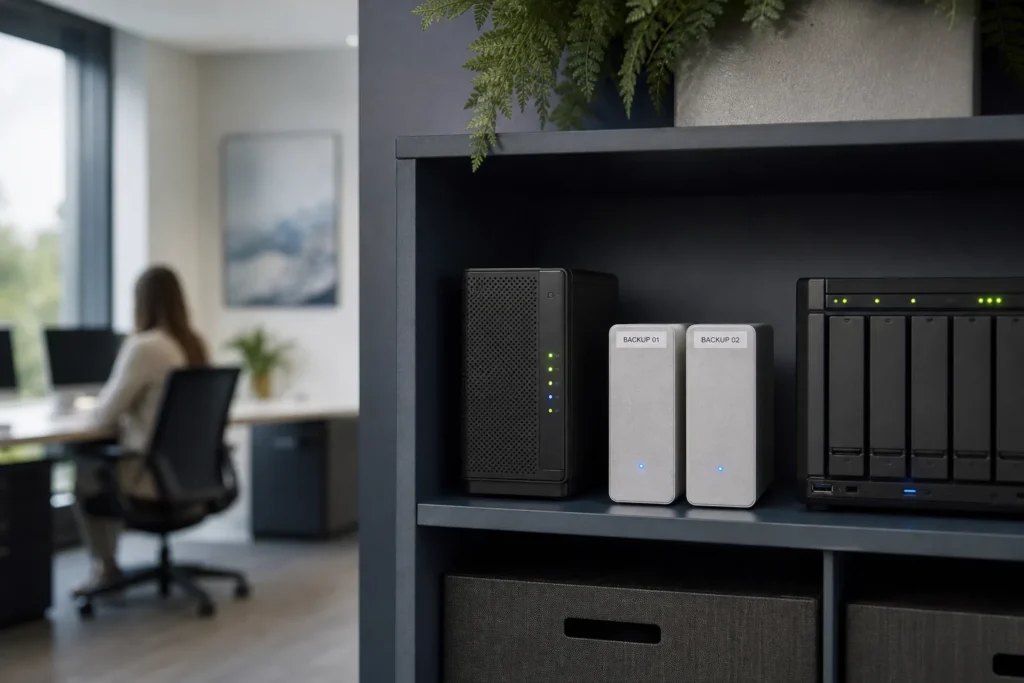
Backup and disaster recovery are two different things
A backup is a copy of your data kept somewhere else. Disaster recovery is the plan for getting the business working again after a bad day: which systems come back first, where they run, who does what, and how long you can manage without each one.
You need both. A backup alone does not say what to restore first.
The bad days we see are ordinary ones. Ransomware encrypts the file server. A staff member deletes a folder and nobody notices for weeks. A server’s disks fail on a Friday. A burst pipe floods the office. A departing employee empties their mailbox on the way out. Each calls for a different kind of recovery.
We set up backups for servers, files and Microsoft 365, and help you write the recovery plan that goes with them. Backups protect against ransomware only if attackers cannot reach them, so this work sits close to cybersecurity.
What gets backed up, and what the plan includes
Every managed plan includes Microsoft 365 backup, so the email and files your staff keep in Microsoft 365 have a copy apart from Microsoft’s own recycle bins. Servers, network storage and line-of-business databases vary too much from office to office to price per user, so that backup is scoped with you and quoted, with storage billed separately.
| Backup and recovery work | Managed plan |
|---|---|
| Microsoft 365 backup | Included |
| Restoring deleted Microsoft 365 email and files | Included |
| Help desk calls about missing or deleted files | Included |
| Server, NAS and database backup setup | Fixed quote |
| Backup storage, cloud or on-site hardware | Billed separately |
| Writing a disaster recovery plan with your team | Fixed quote |
| Azure usage for a cloud recovery server | Billed separately |
Copies in more than one place
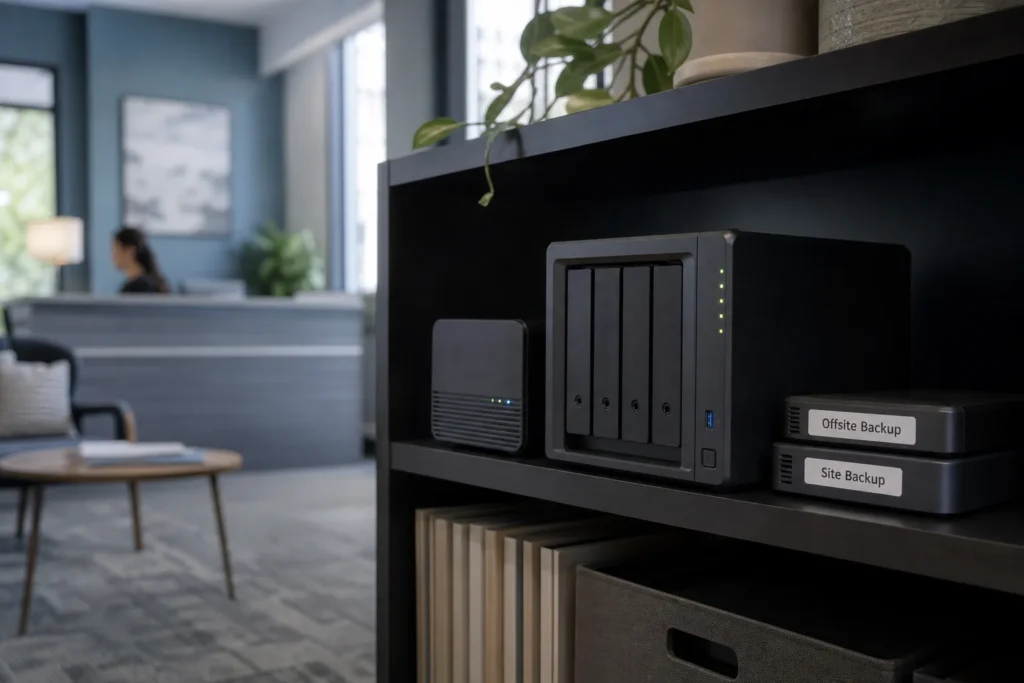
A common rule of thumb is 3-2-1: three copies of your data, on two different kinds of storage, with one copy away from the office. A local copy restores quickly after a deleted folder. An off-site or cloud copy survives a fire, a flood or a theft. One copy should be offline, or locked so it cannot be changed, because ransomware goes after backups it can reach.
Microsoft 365 backup in the managed plan
Microsoft’s job is keeping the service up. Getting back what your own staff deleted, or what an attacker wiped, is largely left to you, and the built-in recycle bins only reach back so far. The managed plan includes a separate Microsoft 365 backup, so a deleted mailbox, a wiped OneDrive or an overwritten SharePoint library can be brought back.
The cases are usually simple. A manager asks for an email deleted a month ago, after the 14-day recovery window has closed. A departing employee’s mailbox needs keeping after their licence is removed. A laptop infected with ransomware synced encrypted files up to OneDrive. These are the situations a separate backup is for.
When you need something back, open a ticket or call the help desk with what is missing and roughly when it was last seen. More on day-to-day Microsoft 365 work is on the Microsoft 365 page.

Planning for a bad day before it happens
A disaster recovery plan answers a few plain questions in advance. Which systems does the business need first? How long can each one be down before it really hurts? Where would it run if the office or server were gone? Who decides, and who calls whom? We write the answers down with you.
- A system list in order. Email, the accounting system, the line-of-business application, file shares and phones, ranked by what the business needs back first.
- How long you can wait. How many hours each system can be down, and how much recent work you could stand to redo. Those two answers decide how often you back up and where the copies live.
- Where it would run. Spare hardware, a cloud server in Azure, or staff working from home on Microsoft 365 while the office is rebuilt.
- Who does what. Names and phone numbers for your staff, your IT team, your insurer and your key vendors, kept somewhere you can reach when the network is down.
Keep a printed copy as well as one in the cloud, because the network may be down when you need it. A plan is only as good as the backups behind it, so whoever looks after yours, ask when a restore was last tried and what came back. If yours is a bad day right now, call the 24/7 emergency line.
Backup and recovery projects
Backup setup for servers and the writing of a recovery plan are one-off projects with a clear finish, so they are quoted at a fixed price before work starts. The quote lists what gets backed up, where the copies go and what storage will cost each month. For ongoing support costs, see the pricing page.
- Server and file share backup setupFixed quote
- Off-site or cloud copy of on-site backupsFixed quote
- Backup review after a scare or a near missFixed quote
- Disaster recovery plan written with your teamFixed quote
- Recovery server in Azure for key systemsFixed quote
Questions people ask
What is the difference between backup and disaster recovery?
A backup is a copy of your data kept somewhere safe. Disaster recovery is the plan for using those copies to get the business running again: which systems come back first, where they run and who does what. You need both, because copies alone do not tell anyone what to restore first or where to run it.
What should a disaster recovery plan include?
A ranked list of the systems the business needs, how long each can be down, how much recent work you could stand to redo, where each system would run if the office or server were gone, and who to call. Keep a printed copy, because the network may be down when you need it.
Which backups does the monthly plan cover?
Microsoft 365 backup is included for every user on the plan, and help desk requests to restore deleted email and files are covered. Backup for servers, network storage and databases is scoped for your office and quoted as a fixed project, with backup storage billed separately so you can see what it costs.
Will backups protect us from ransomware?
They are your way back, provided the attackers cannot reach them. Ransomware often hunts for backups on the same network and encrypts those too. Keeping at least one copy offline, off-site or locked against changes is what lets you restore clean data instead of paying.
How often should a small business back up its data?
Work out how much recent work you could stand to lose and redo. For most offices that means at least daily backups of servers and shared files, and more often for busy databases. The schedule should be automatic, so nobody has to remember to start it, and someone should check that each run finished.
Tell us what’s going on
Pick how urgent it is and leave a way to reach you. The help desk replies by phone or email. If work has stopped, call 647-812-3775 instead.
Something broken, or something to plan?
For anything urgent, call. A technician answers the emergency line 24/7. For everything else, open a ticket and tell us what is going on.