
Managed IT services
One monthly price per user covers your help desk, on-site visits across the GTA, security tools and Microsoft 365 backup. Senior technicians from our own team do the work, and there is no long lock-in.

One team looking after your IT for a monthly price per user
A managed IT plan means one team takes responsibility for your office’s technology for a monthly price per user. With IT Support Hub that covers unlimited remote help desk, on-site visits across the GTA, endpoint protection, email filtering, MFA setup and Microsoft 365 backup, for $125 to $175 CAD per user per month.
Your staff call or email one help desk, and the people who answer are senior, long-tenured technicians from our own team, with more than 30 years of combined experience between them. When a problem needs hands on equipment, the same team comes to your office. Networks and firewalls, servers, Microsoft 365, backup and phones all sit with us, so a fault that touches two of them stays with one team from start to finish.
Where you land in the range depends on what you run: how many staff and devices, whether you have servers, how many locations, and how much security work your business needs. The pricing page explains the range and lists what is billed separately. There is no long lock-in contract.
The plan suits small offices of about 5 to 50 people with nobody in-house for IT, and most mid-size organizations too. If you run a smaller office, read how we work with small offices without an IT person.
What the plan includes and what is quoted separately
The per-user price covers day-to-day support plus a set list of security and backup tools. Things you buy, such as hardware and licences, sit outside it, and so does any project with a clear start and finish. Projects get a fixed quote agreed before work starts, so a large job never lands on the monthly bill unannounced.

| Work or item | How it is billed |
|---|---|
| Remote help desk for everyone on the plan | Included, unlimited |
| On-site visits across the GTA | Included |
| Endpoint protection on your computers | Included |
| Email filtering | Included |
| MFA setup for your accounts | Included |
| Microsoft 365 backup | Included |
| Microsoft 365 licences | Billed separately |
| Laptops, servers, firewalls and other hardware | Quoted before you buy, billed separately |
| Azure usage | Billed separately |
| Migrations, network refreshes, server replacements and other projects | Fixed quote agreed before work starts |
MFA, email filtering and backups are also among the first things a cyber insurance application asks about. If an insurer or a client asks for more than that, the cybersecurity page covers the rest.
We quote, buy and set up your hardware and licences
When you need new laptops, a server, a firewall or Microsoft 365 licences, we quote the options, order what you approve and set everything up before it reaches the user. For laptops and desktops we are an authorized Lenovo reseller, with business pricing on ThinkPad, ThinkCentre and docks.
You deal with one team from the quote to the first login, and each device arrives ready for your network, your accounts and the security tools in your plan.
The right machine depends on the work. A bookkeeper, a designer and a warehouse supervisor need different things, and buying one model for all three wastes money in one direction or the other. Tell us who the device is for and the quote reflects it. For network equipment we install and support Cisco, UniFi and Fortinet, so new gear fits with what we already look after.
Licences get the same treatment. We help you pick the Microsoft 365 plan that fits each role and remove licences when staff leave, so you stop paying for accounts nobody uses. Hardware and licences are billed separately from the monthly plan, at the price on the quote you approved.
What happens in the first weeks of a managed plan
The first weeks of a managed plan go into learning your setup. We find out what you have, write it down in one place, and take over support from your previous provider or whoever has been covering IT until now. Urgent problems we find along the way are raised with you before we change anything.
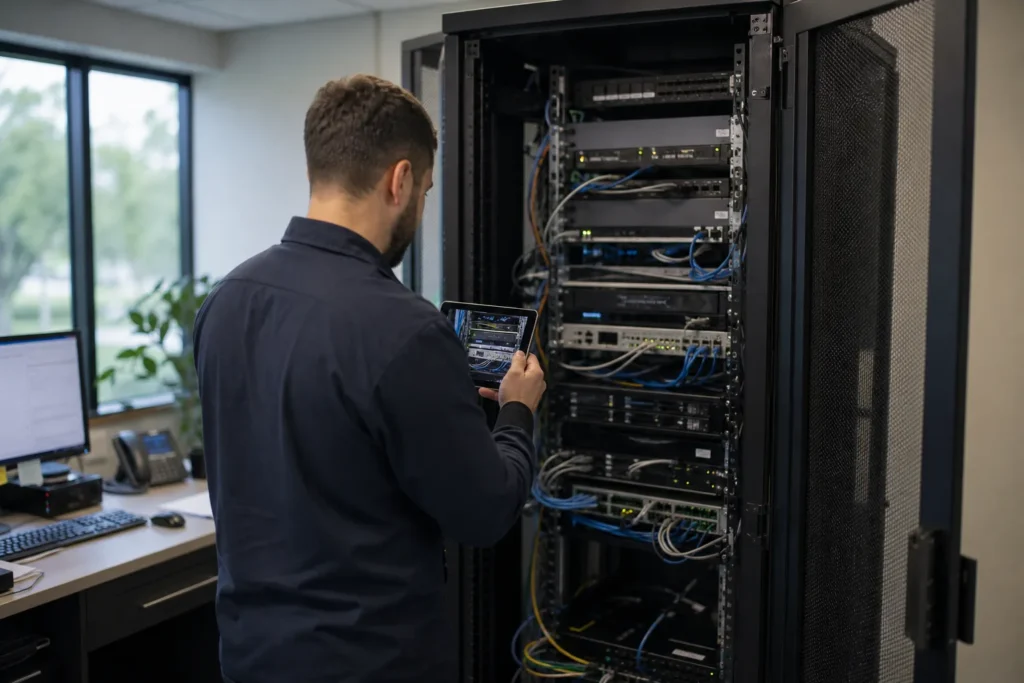
Finding out what you have
We list every computer, server, printer, firewall, switch and Wi-Fi access point, plus your Microsoft 365 setup, who has admin rights, where backups go and which software each team depends on. Much of this is done remotely, and a technician comes on-site to see the equipment. Expect questions about which IT bills you pay and when they renew, because domain names and support contracts tend to lapse when nobody is watching them.
Writing it down
What we find goes into one set of notes the whole team works from: a map of the network, a list of devices with their ages, what is out of support, and anything risky we spotted. If something needs attention straight away, such as a backup that is not running or an admin account without MFA, we explain what we found and what fixing it involves.
Taking over from your previous provider
We contact your outgoing provider, or the person who set things up, to collect admin access, licence records and anything registered on your behalf, such as the domain name. On the start date we agree with you, your staff switch to one number and one email address for help, 647-812-3775 and info@itsupporthub.ca. Some handovers are quick and some are not. If the old provider holds something only they can release, we tell you exactly what to ask them for. If you ever leave us, the handover runs the other way: your Microsoft 365 tenant and its admin access stay yours, and you receive the documentation we wrote for your office.
Already have IT staff? Co-managed support
If you have your own IT person or team, we work alongside them. Co-managed support adds our technicians for after-hours cover, projects and a senior second opinion, while your staff keep running the day-to-day.
Every split of the work is different, so the co-managed plan is quoted after a call.
One common split has your IT manager owning users and line-of-business software while we take the firewall, servers and Microsoft 365 backup. Another has your team handling daily tickets while we take after-hours emergencies and the big projects they never have time for. We agree the split with you before we start, so nobody assumes the other side has it covered. The co-managed IT page goes into detail for organizations of 50 to 250 staff.
Projects that sit outside the monthly plan
Work with a clear start and finish is a project, and projects are not part of the per-user price. We scope each one, agree a fixed price with you before anything starts, and the same team that supports you day to day does the work. These are typical projects for offices on a managed plan.
- Microsoft 365 migration from another email systemFixed quote
- Firewall replacementFixed quote
- Wi-Fi refreshFixed quote
- Server replacementFixed quote
- Moving a server to AzureFixed quote
- Windows 11 upgrades across the officeFixed quote
Questions people ask
What is included in managed IT services?
Our managed plan includes unlimited remote help desk, on-site visits across the GTA, endpoint protection, email filtering, MFA setup and Microsoft 365 backup. Microsoft 365 licences, hardware, Azure usage and projects such as migrations are billed separately, and every project gets a fixed quote agreed before work starts.
Why is the price a range instead of one number?
Offices with the same headcount can need very different amounts of work. Where you land between $125 and $175 CAD per user per month depends on how many devices you run, whether you have servers, how many locations you have and how much security work your business needs. We quote your number after a call.
What is the difference between managed IT services and break-fix support?
Break-fix means you call when something breaks and pay for the hours used. A managed plan is a monthly price per user covering help desk, on-site visits and a set of security and backup tools. We offer both, so an office that only needs occasional help can use hourly support, with the rate given on request.
How do I choose the right managed IT provider in Toronto?
Ask who answers the phone after hours, whether they come on-site or only work remotely, what the monthly price includes in writing, what is billed separately and how long the contract runs. Put the same questions to us. Our answers are on this page and on the pricing page, including the price range.
Can you work alongside our own IT person?
Yes. That arrangement is co-managed support. We work alongside your IT person or team, taking after-hours cover, projects or the systems they would rather hand over, while they keep the rest. The split is agreed with you before we start, and co-managed plans are quoted after a call.
Do you lock clients into long contracts?
No. The managed plan has no long lock-in contract, so if it stops fitting your office you can leave. Offices that do not want a plan at all can use hourly support whenever they need it, and a fixed-quote project ends when the work is signed off.
Tell us what’s going on
Pick how urgent it is and leave a way to reach you. The help desk replies by phone or email. If work has stopped, call 647-812-3775 instead.
Something broken, or something to plan?
For anything urgent, call. A technician answers the emergency line 24/7. For everything else, open a ticket and tell us what is going on.