
Managed IT for construction companies and contractors
Site trailers on managed LTE or Starlink with a VPN to the office, field tablets that open drawings offline, and the email controls that stop a fake invoice landing the week a draw is paid. For GTA general contractors and trades running Procore, Bluebeam and Sage.
What breaks for a contractor, on site and in the office
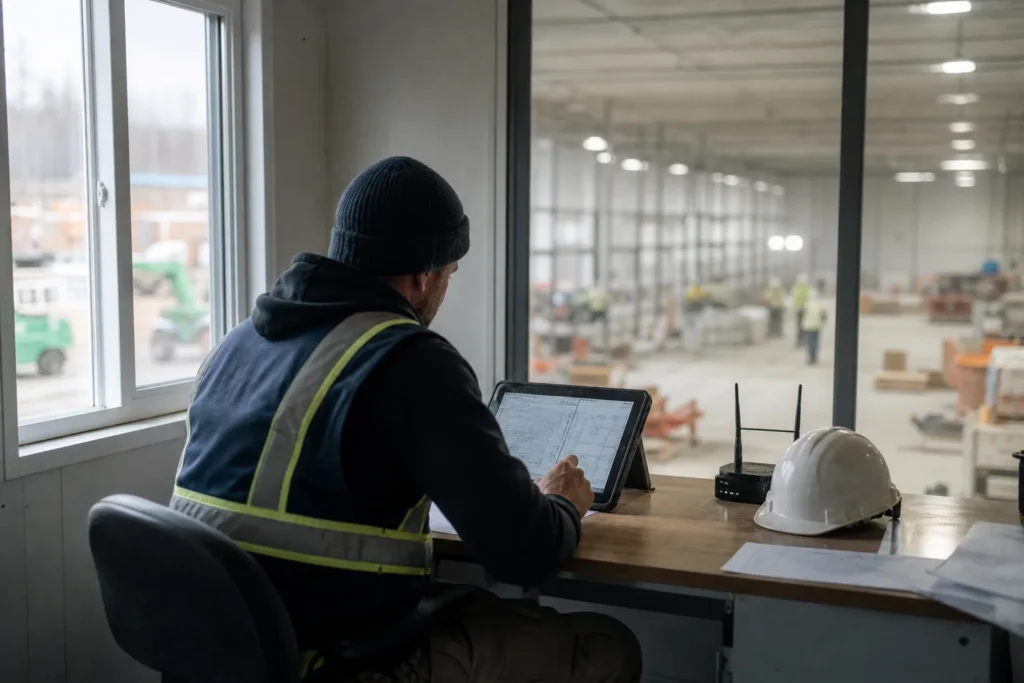
A construction company runs in two places at once: a head office with estimators, project managers and accounting, and a set of job sites that move every few months. The IT failures follow that split. On site, the trailer’s internet is a consumer LTE hotspot that drops when the crane is in the way, the superintendent cannot open a 200 MB drawing set on the tablet, and the time-tracking app stops syncing so payroll is a guess.
In the office, estimating software is tied to one PC that nobody dares restart, the drawing archive is spread across a server, Dropbox and six USB sticks, and a fake invoice arrives the week a progress draw is due.
That last one deserves its own paragraph. Ontario’s Construction Act prompt-payment rules put owners and contractors on fixed clocks: an owner pays within 28 days of a proper invoice, a contractor pays subs within seven days of that. Attackers know the schedule as well as the industry does. The most expensive IT incident a GTA contractor is likely to face is not ransomware; it is an email that looks like a subcontractor changing its banking details the week a draw is paid. Email filtering, multi-factor sign-in and a written rule that banking changes are confirmed by phone are the controls, and they are included in the plan rather than sold as extras.
Site trailers, field tablets and the link back to the office
A job site needs the same things an office does, for six to eighteen months, in a trailer with no fibre.
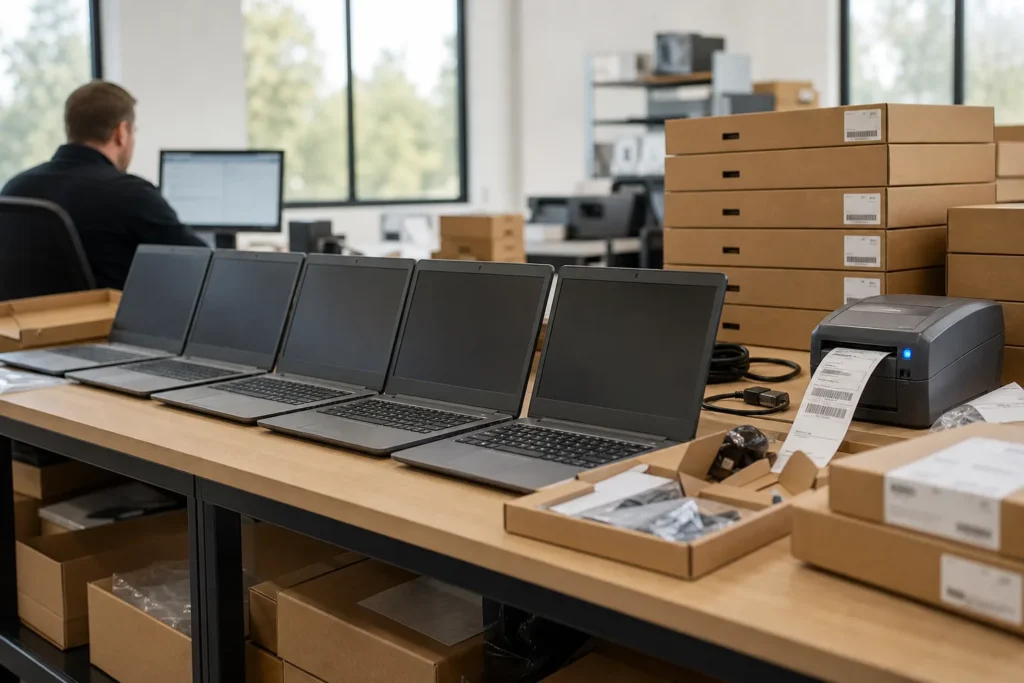
We set sites up with a managed LTE or 5G router, or Starlink where cellular coverage is poor, behind a small firewall that builds a VPN back to head office automatically when it powers on. The superintendent’s laptop, the site tablets and the trailer printer sit on that network, and the site camera or access control, if there is one, sits on its own segment. When the job finishes, the kit comes back, is wiped and goes to the next site with the same configuration.
Field devices are the other half. Rugged tablets and phones running Procore, Fieldwire, Autodesk Build or a time-tracking app are enrolled in device management, so a tablet left in a truck can be locked and wiped, a new one is set up in minutes, and the apps the crew needs are installed without anyone in the field touching settings. Drawings are synced to the device for offline use, because a tablet that needs a live connection to open a sheet is a tablet nobody uses.
Back at the office, the firewall, the file server and the accounting system have to be reachable from every site over the VPN and from a project manager’s kitchen table over a client VPN, with multi-factor sign-in on the way in. We size the office internet for the uploads, not just the downloads, because a day’s site photos and a drawing revision travel upstream.
Construction software and systems we support
Project management runs on Procore, Autodesk Construction Cloud and Build, Fieldwire or Buildertrend for residential; drawings and takeoffs on Bluebeam Revu, PlanSwift and AutoCAD; estimating on Sage Estimating, ProEst or a spreadsheet model the chief estimator built a decade ago; and accounting on Sage 300 CRE, Sage 100 Contractor, Jonas or QuickBooks with a construction add-on. Several of these still run on a server in the office, and the ones that have moved to the cloud still depend on the office having a working link to them during the day.
We support the servers, networks, laptops and tablets these run on, and we hold vendor contacts for the applications so a Sage database fault or a Procore sync issue goes to the vendor with the network already ruled out.
Bluebeam and CAD workstations get the memory, graphics and fast storage that large drawing sets need, and the drawing archive is organised so a sheet from a job closed four years ago can be found when the warranty call comes in.
Email and documents run on Microsoft 365, with SharePoint libraries per project replacing the shared drive and the USB sticks, and Teams or a hosted phone system connecting the office to the trailers. Where a client or general contractor requires a specific platform for a job, we get the crew set up on it and remove the access when the job closes.
What the managed plan covers for a construction company
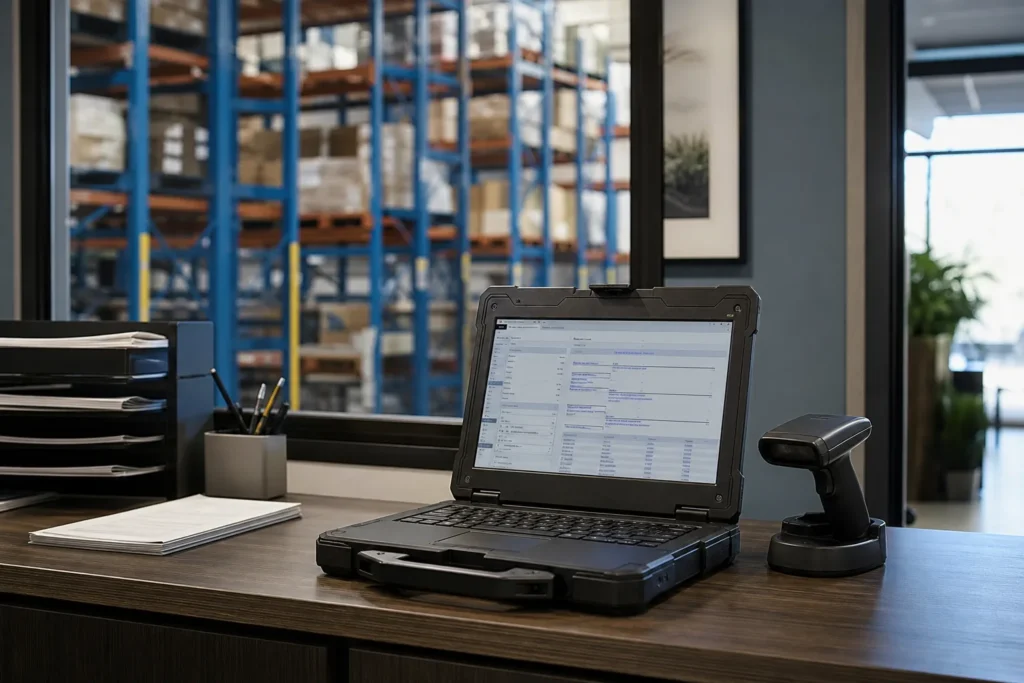
The managed IT plan is priced per user per month and covers unlimited remote help desk, on-site visits across the GTA, endpoint protection, email filtering, multi-factor setup and Microsoft 365 backup. For a contractor that translates into a few specific outcomes.
- Site kits: a managed LTE or Starlink router and firewall per active job, with a VPN to head office, deployed and recovered as jobs open and close.
- Field tablets and phones under device management, with Procore and the drawing apps installed and drawings available offline.
- Payment-fraud controls: email filtering, multi-factor sign-in, authentication set up on your own domain so it cannot be spoofed, and a written banking-change rule your accounts team follows.
- Backups of the accounting system, the estimating PC and the drawing archive, with a test restore each quarter.
- Microsoft 365 with a SharePoint library per project, external sharing set up for owners, architects and subs, and access removed when the job closes.
- A head-office network sized for uploads from the field, with VPN for project managers working from home.
Work with a clear start and finish is quoted as a project before anything begins. For contractors that is usually one of these.
- Site kit build: router, firewall, Wi-Fi and VPN for a new job, with tablets enrolledFixed quote
- Drawing archive consolidation into SharePoint with a per-project structureFixed quote
- Estimating or accounting server replacement, or migration to a hosted versionFixed quote
- Head office move or new yard: cabling, network, phones and camerasFixed quote
- Email security and payment-fraud hardening ahead of a large contractFixed quote
What we set up for a typical 40-person general contractor
Take a general contractor with 12 office staff, four project managers who split their time between the office and sites, and three active jobs at any time, each with a superintendent and a trailer. Accounting runs on Sage 300 CRE on an office server, estimating on Bluebeam and a Sage Estimating workstation, and project management on Procore.
Each active job gets a site kit: an LTE router with a Starlink option, a small firewall that brings up a VPN to the office on power-up, Wi-Fi for the trailer and a segment for the site camera. The superintendent’s rugged tablet and laptop are enrolled in device management with Procore, Bluebeam and the time-tracking app installed and the current drawing set synced for offline use. At the office, the Sage server is on a supported Windows Server version, backed up nightly to a local appliance and off site with the copy immutable for 30 days; the estimating workstation is imaged so it can be rebuilt in an afternoon. Microsoft 365 runs email and a SharePoint library per project, with multi-factor sign-in enforced, email filtering in front and the domain’s email authentication set to reject spoofing. The accounts team works to a written rule that any supplier banking change is confirmed by phone on a known number before the next draw. Project managers reach everything from home over a client VPN. When a job closes, the site kit comes back, the subs’ SharePoint access is removed, and the drawings are archived where the warranty team can find them.
Where we support construction companies
On-site visits are included in the managed plan across the GTA, and for contractors that means the head office, the yard and the active job sites. Our construction clients run from Toronto, where the city’s own employment survey counts close to 24,000 construction jobs in its employment areas alone, through Vaughan and the industrial corridors along Highway 7 and Highway 400 where many GTA contractors keep their yards, to Mississauga and Oakville. Job sites in Brampton, Markham, Milton, Pickering and Hamilton are supported on the same terms, and a site beyond the GTA gets its kit shipped and configured remotely, with a visit arranged if something needs hands on equipment.
Questions people ask
How do you get internet into a site trailer?
A managed LTE or 5G router, or Starlink where cellular coverage is weak, behind a small firewall that connects back to head office over VPN as soon as it powers on. The kit is built once, deployed to each new job and recovered when the job closes. Where a site has a wired line available we use it, with LTE as the backup.
Do you support Procore, Bluebeam and Sage 300 CRE?
Yes, along with Autodesk Construction Cloud, Fieldwire, Buildertrend, PlanSwift, AutoCAD, Sage 100 Contractor, Jonas and QuickBooks with construction add-ons. We support the servers, workstations, tablets and networks they run on and hold vendor contacts for the applications themselves.
What stops a fake invoice getting paid?
Three things working together: email filtering that catches most impersonation attempts, multi-factor sign-in so an attacker cannot read your mailbox to learn the payment schedule, and a written rule that any change to a supplier's banking details is confirmed by phone on a number you already have before the next draw. The first two are in the managed plan; the third we help you write and your accounts team follows.
What does managed IT cost for a contractor?
The managed plan is $125 to $175 per user per month for office staff, project managers and superintendents with a company device and account. Site kits, tablets and other hardware are quoted separately, and a site kit build or a drawing archive consolidation is a fixed-price project.
Can field tablets work without a signal?
Yes, if they are set up for it. We sync the current drawing set and the forms the crew uses to the device so they open offline, and changes upload when the tablet is back in range. A tablet that needs a live connection to open a sheet is one the crew stops carrying.
We have jobs outside the GTA. Are they covered?
Yes. The site kit is shipped and configured remotely, the superintendent's devices are managed from here, and a visit is arranged if something needs hands on equipment. Head office and yard visits across the GTA are included in the plan.
Tell us what’s going on
Pick how urgent it is and leave a way to reach you. The help desk replies by phone or email. If work has stopped, call 647-812-3775 instead.
Something broken, or something to plan?
For anything urgent, call. A technician answers the emergency line 24/7. For everything else, open a ticket and tell us what is going on.