
IT support for creative agencies
Mac fleets managed properly, terabytes of project work backed up somewhere an attacker cannot reach, Adobe seats that follow roles, and contractor access that ends when the project does. For design, marketing, video and production studios across the GTA.
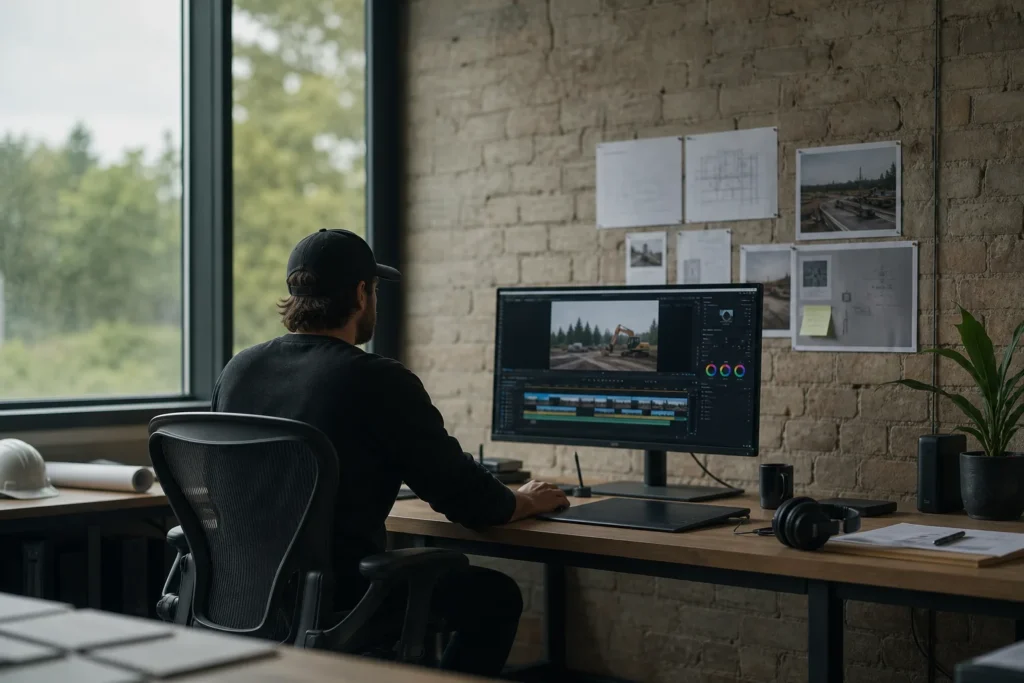
What breaks in an agency, and why Windows-first providers get it wrong
An agency’s IT problems do not look like an accountant’s. The machines are Macs, the files are enormous, half the team is freelance, and the deadline is a client presentation at 10 a.m.
The failures we see most are a shared storage volume that fills up or drops off the network mid-render, a project archive that was never backed up anywhere except the drive it sits on, Adobe Creative Cloud licences that expire or belong to someone who left, Wi-Fi that cannot carry a 40 GB handoff across the studio, and a contractor who still has access to the client folder three months after the project wrapped.
Most IT providers in the GTA are built around Windows offices and treat Macs as an exception. We support macOS as a first-class platform: Apple Business Manager for zero-touch setup, mobile device management so a new MacBook arrives configured, FileVault encryption enforced and documented, and the same endpoint protection and patching schedule the Windows machines get. The one or two Windows PCs an agency keeps for accounting or a client’s specific software are supported alongside them, not instead of them.
Project storage, archives and the backup nobody checked
Creative work produces data faster than any other small business. A video studio generates terabytes a month; a design agency keeps every client’s brand assets forever; a photography studio has a decade of raw files on a stack of external drives. The pattern we find on day one is a NAS that is nearly full, a second NAS that “mirrors” it in the same room, and no copy of anything anywhere else. A fire, a flood, a ransomware incident or a failed RAID controller removes the agency’s entire body of work.
The fix is a storage design, not a bigger drive. Active projects live on fast local storage the whole team can reach at full speed. Finished work moves to an archive tier on a schedule, with a catalogue so it can be found in five years.
Both tiers have a copy off site that cannot be altered by anyone on the network, including an attacker who has taken over a workstation, and we test a restore every quarter and tell you how long a full recovery would take. Where it fits, cloud storage from Microsoft 365 or Dropbox Business carries the shared documents and the collaboration with clients, while the heavy media stays local where the bandwidth is.
The same design answers the question your larger clients now ask in their vendor security questionnaires: where is our unreleased campaign stored, who can reach it, and what happens if you are breached. An enterprise client’s security team will accept a clear answer with controls behind it. They will not accept “on the NAS in the studio.”
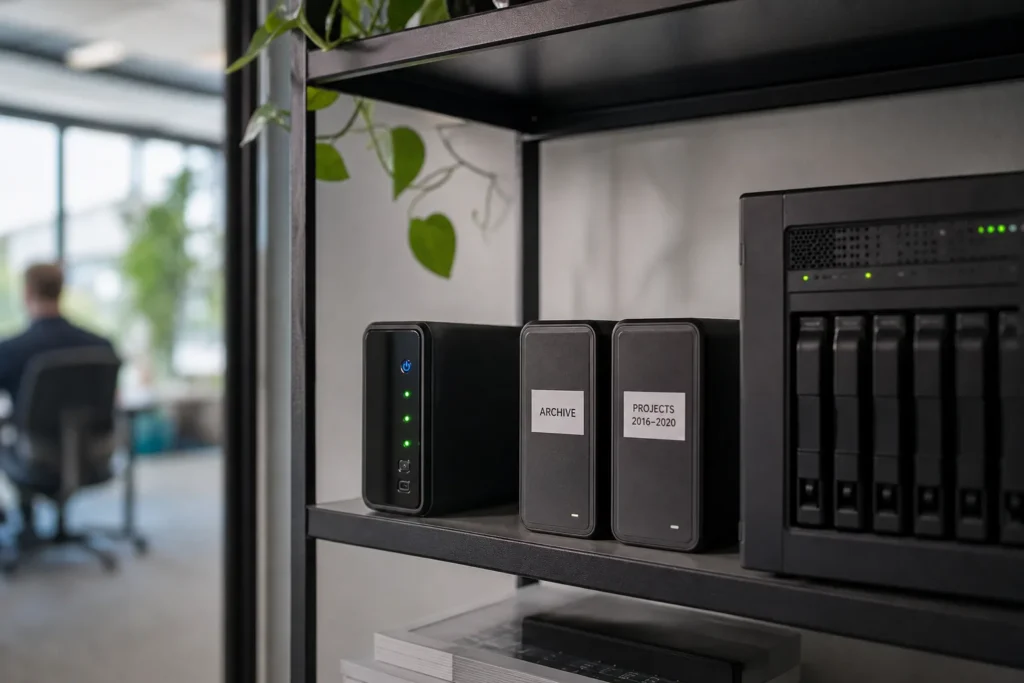
Agency software and hardware we support
The core of an agency stack is Adobe Creative Cloud for teams, with Figma, Sketch, DaVinci Resolve, Final Cut Pro, Cinema 4D or Blender depending on the discipline, and a font manager such as Extensis Connect or Typeface keeping licensed type under control. We manage the licences centrally so a seat follows a role rather than a person, a departing designer’s seat is reassigned the same day, and the annual renewal does not land as a surprise.
Underneath that sits the hardware: MacBook Pros and Mac Studios, calibrated displays, Wacom tablets, a Synology or QNAP NAS or a Mac-based server, 10-gigabit switching for the edit suites, and a Wi-Fi network that has to carry large transfers without stalling the video call in the next room. We spec, buy and set up all of it, and we keep a record of which machine has which display calibration profile so colour-critical work is not lost to a warranty swap.
Collaboration and client delivery run through Microsoft 365 or Google Workspace, with Slack or Teams, a project tool such as Asana, Monday or ClickUp, and a delivery platform such as Frame.io or WeTransfer Pro. We support the accounts, the sign-in security and the integrations, and we hold the vendor contacts so an outage is reported with the network already ruled out.
What the managed plan covers for an agency
The managed IT plan is priced per user per month and covers unlimited remote help desk, on-site visits across the GTA, endpoint protection, email filtering, multi-factor setup and Microsoft 365 backup. For a creative shop that means a few specific things.
- Mac and Windows machines managed the same way: enrolled, encrypted, patched and protected, with a new hire’s laptop ready on their first morning.
- Contractor access that is granted for a project and removed when it ends, with a record of who had what, so a client audit has an answer.
- Backup and recovery designed for terabytes rather than documents, with an off-site copy that an attacker on your network cannot touch.
- A studio network with a managed firewall, multi-gigabit links to the edit suites and Wi-Fi sized for the room, not the floor plan.
- Microsoft 365 or Google Workspace with multi-factor sign-in enforced, shared mailboxes per client account and licences cleaned up monthly.
- Security controls that let you answer an enterprise client’s vendor questionnaire with specifics rather than reassurance.
Work with a clear start and finish is quoted as a project before anything begins. For agencies that is usually one of these.
- Storage redesign: active, archive and off-site tiers with a catalogue, and migration of the existing drivesFixed quote
- Studio move or fit-out: cabling, switching, Wi-Fi and the edit suite linksFixed quote
- Mac fleet enrolment in Apple Business Manager and device managementFixed quote
- Google Workspace to Microsoft 365 migration, or the reverseFixed quote
- Security review and written responses for an enterprise client questionnaireFixed quote
What we set up for a typical 25-person agency
Take a design and video agency of 25 people in a converted warehouse space, with 18 Macs, four edit suites, three Windows machines for accounting and a client’s reporting tool, and a rotating group of six to ten freelancers.
Every Mac is enrolled in Apple Business Manager and managed through a device management platform, so a replacement machine is working within an hour of unboxing and a lost laptop can be locked and wiped remotely. FileVault is enforced, endpoint protection runs on every machine, and macOS updates are staged so the edit suites are never upgraded mid-project. The Windows machines sit under the same policies with their own patching schedule.
Storage runs on a NAS with 10-gigabit links to the four suites and gigabit to everyone else, with an archive volume for finished work and a nightly off-site copy that is immutable for 30 days.
Freelancers get a named account with access to the project folders they are on, which expires on the project end date unless a producer extends it. Email and documents are on Microsoft 365 with multi-factor sign-in enforced, email filtering in front, and the tenant backed up. The firewall is managed, the staff and guest Wi-Fi are separate, and a client visiting for a presentation is on a network that cannot see the archive. Adobe seats are assigned by role and reconciled monthly. The agency can answer a client’s security questionnaire from a two-page document we maintain, and if the building floods on a Friday night, the week’s work exists in two other places by Saturday morning.
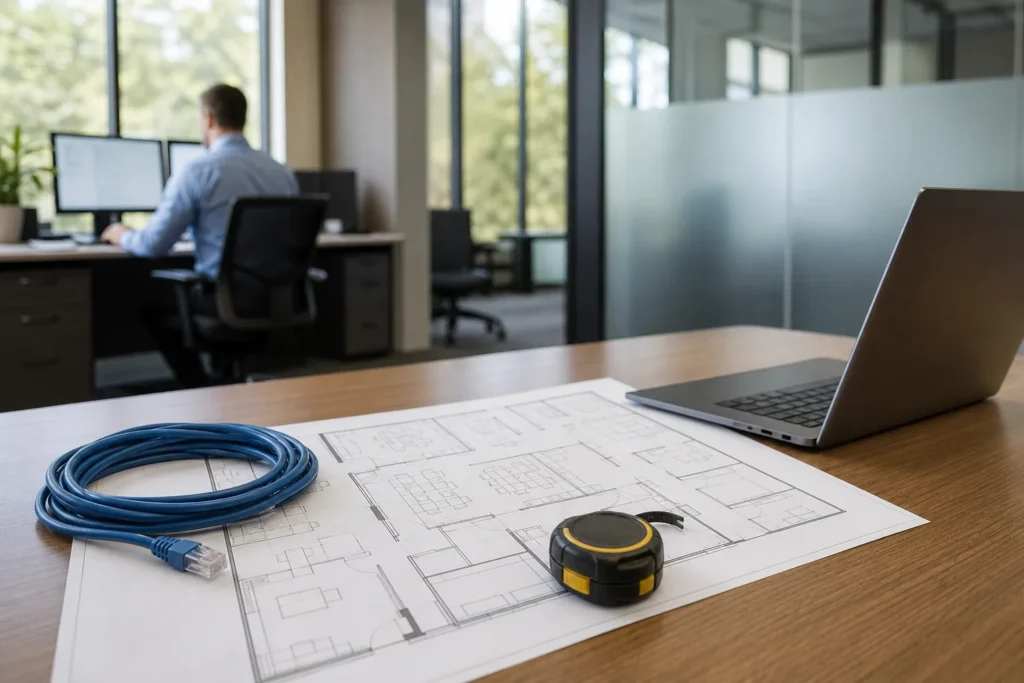
Where we support creative agencies
On-site visits are included in the managed plan across the GTA. Agency work clusters in Toronto, from Liberty Village and King West through Queen West, the Junction, Leslieville and the studio buildings along the Port Lands, with a second group in Mississauga near Port Credit and the airport corridor, and production companies in Vaughan and Oakville.
Etobicoke, North York, Markham and Hamilton studios are covered on the same terms. Toronto’s office-based employment, which includes most of its agencies and studios, runs to more than 800,000 jobs, and the creative shops among them are among the few small businesses that routinely move 40 GB files across a room.
Remote and hybrid teams are the norm in this sector, and the plan covers staff working from home across Ontario, with on-site visits to the studio when something needs hands on equipment.
Questions people ask
Do you actually support Macs, or just tolerate them?
Macs are a primary platform for us, not an exception. We enrol them in Apple Business Manager, manage them with a device management platform, enforce FileVault, run endpoint protection and stage macOS updates around your production schedule. The handful of Windows machines an agency keeps are managed under the same policies.
What does managed IT cost for an agency?
The managed plan is $125 to $175 per user per month for staff with an account and a machine. Freelancers with temporary access are not billed as full users unless they have a company-managed laptop. Storage hardware, switching and Wi-Fi are quoted separately, and a storage redesign or studio move is a fixed-price project.
Our archive is on a NAS in the studio. Is that a problem?
It is the single most common risk we find in agencies. A NAS in the same room as the workstations is one fire, flood or ransomware incident away from being gone. We design an archive tier with an off-site copy that cannot be altered from the network, test a restore each quarter, and tell you in writing how long a full recovery would take.
Can you manage our Adobe Creative Cloud licences?
Yes. We administer Creative Cloud for teams so seats are assigned by role, a departing designer's seat is reassigned the same day, and the renewal is reconciled against who is actually on the team. The same applies to Figma, font management and the other subscriptions a studio accumulates.
A large client sent us a security questionnaire. Can you help?
Yes. We maintain a short written description of your controls, including where client data is stored, who can reach it, how access is removed and how backups are protected, and we answer the technical sections of the questionnaire with you. Where a control is missing we tell you what it would take to add it.
How do you handle freelancers and contractors?
Each contractor gets a named account scoped to the project folders they are working on, with an end date. Access expires on that date unless a producer extends it, and we keep a record of who had access to what, which is the answer most client audits are looking for.
Tell us what’s going on
Pick how urgent it is and leave a way to reach you. The help desk replies by phone or email. If work has stopped, call 647-812-3775 instead.
Something broken, or something to plan?
For anything urgent, call. A technician answers the emergency line 24/7. For everything else, open a ticket and tell us what is going on.