
Managed IT for retail stores and e-commerce
POS that keeps selling through an internet drop, a card network scoped small enough that the PCI questionnaire takes an afternoon, and an emergency line that answers on a Saturday. For single stores and GTA chains running Lightspeed, Shopify POS or TouchBistro.
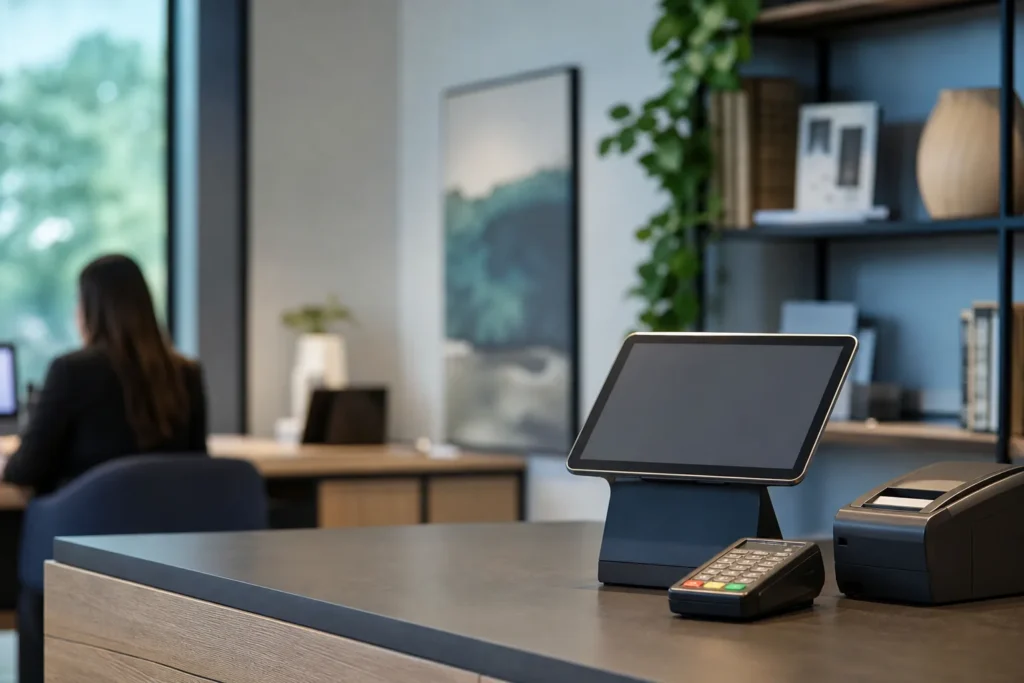
What breaks in a store, and when it breaks
Retail IT fails at the till, in front of a customer, on the busiest day of the week. The four problems we see most are the internet line dropping and taking the POS with it, a pinpad that stops talking to the payment processor, a second location that cannot reach head office for inventory or pricing, and a staff Wi-Fi network that was never separated from the one the cameras and card terminals sit on.
Each has a boring fix that has to be in place before Saturday. A store on the managed plan gets a firewall with an LTE backup that takes over in seconds, so the POS keeps taking cards while the cable line is down. Pinpads sit on their own network segment and we hold the processor’s support contacts, so a terminal fault is one call rather than three. Locations connect to head office over a site-to-site VPN that is monitored, and the guest Wi-Fi customers see is a separate network from the one your business runs on.
The timing matters as much as the fix. The help desk runs Monday to Friday, 8 a.m. to 6 p.m., which covers deliveries, price changes and back-office work. Evenings, weekends and holiday trading are covered by the 24/7 emergency line, answered by a technician, because a till that is down on Boxing Day is an emergency by any definition.
Card payments, PCI DSS 4.0 and keeping the scope small
PCI DSS version 4.0 has been fully enforceable since March 2025. It is a contract with the card brands, passed to you through your processor, rather than a law, and most stores attest to it by completing a self-assessment questionnaire each year.
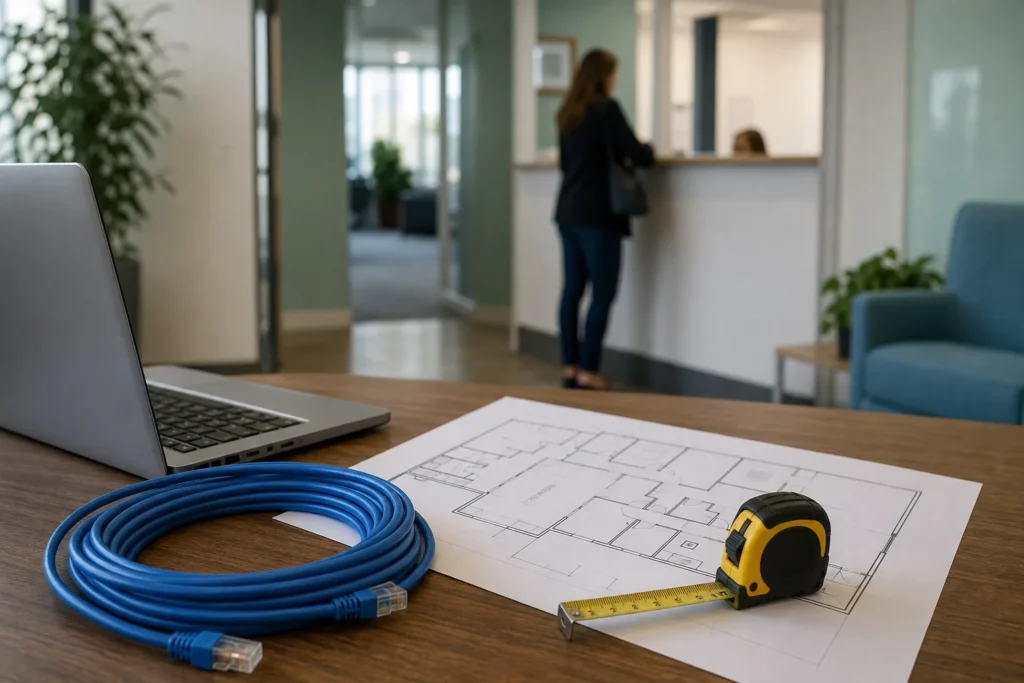
The questionnaire you get depends on how card data moves through your store, and the short version is that the smaller the part of your network that can touch card data, the shorter the questionnaire and the less there is to get wrong.
We do not certify anyone as PCI compliant, and no IT provider can. What we do is design the store network so the scope is as small as it can be, then give you the documentation to back the answers you sign. In practice that means pinpads and POS terminals on their own VLAN behind the firewall, point-to-point encryption on the terminals wherever your processor supports it so card numbers never touch your computers, guest Wi-Fi and cameras kept off the payment segment entirely, default passwords changed and logged, and a quarterly check that nothing has drifted. If your processor requires external vulnerability scans, we schedule them and fix what they find.
The same controls answer the questions a cyber insurer asks at renewal: multi-factor sign-in on email and the back-office system, endpoint protection on every computer, backups that cannot be altered, and no end-of-life operating systems on the shop floor. Payment fraud is the other side of the same coin. Canadian industry surveys report that roughly four in ten businesses saw attempted payment fraud in the past year, and most of it starts with an email, which is why email filtering and multi-factor sign-in are part of the managed plan rather than an upgrade.
Retail software and hardware we support
Most GTA stores we work with run one of three point-of-sale platforms: Lightspeed Retail or Lightspeed Restaurant, Shopify POS tied to a Shopify online store, or TouchBistro in food service. We support the computers, tablets, printers, scanners and networks those platforms run on, and we hold the vendor contacts for the platforms themselves, so a problem inside the POS application goes to the vendor with the network already ruled out.
Around the POS sits the rest of the store: pinpads from Moneris, Global Payments or your processor; receipt and label printers; barcode scanners; a back office running QuickBooks or Sage with Microsoft 365 for email; IP cameras and a recorder; and a door controller or alarm panel that someone connected to the network years ago. We inventory all of it in the first weeks, put the devices that do not need the internet on segments that cannot reach it, and replace the consumer-grade router that came with the lease with a firewall we can manage remotely.
For chains, the head office runs inventory and pricing and every store needs to reach it. We build that with site-to-site VPN between managed firewalls, monitored so a location dropping off the network raises a ticket before the store calls, and we keep a documented standard build so a new store opens with the same equipment, the same configuration and the same security as the last one.
What the managed plan covers for a store
The managed IT plan is priced per user per month and covers unlimited remote help desk, on-site visits across the GTA, endpoint protection, email filtering, multi-factor setup and Microsoft 365 backup. For a retailer that translates into a few specific outcomes.
- A store network with a managed firewall, LTE failover, a payment segment, a staff segment and a guest segment, with Wi-Fi that reaches the stockroom.
- Security controls that satisfy both the PCI questionnaire and the cyber-insurance renewal: MFA, monitored endpoint protection, email filtering and patching on a schedule.
- Backups of the back-office computers and Microsoft 365, with the recovery order written down so the POS comes back first.
- Microsoft 365 for head office and store managers, with shared mailboxes per location and licences removed when staff leave.
- Store phones on hosted VoIP, so the number on the door rings at the counter and in the office, and forwards to a manager’s mobile after hours.
- Hardware quoted, bought and set up before it reaches the store, from POS terminals to the replacement for the ten-year-old back-office PC.
Work with a clear start and finish is quoted as a project before anything begins. For retailers that is usually one of these.
- New store opening: network, Wi-Fi, POS and cameras installed before the fit-out finishesFixed quote
- POS network rebuild to shrink the PCI scopeFixed quote
- Head-office to store VPN for a second or third locationFixed quote
- Migration from a legacy POS to Lightspeed or Shopify, with the network checked firstFixed quote
- Windows 10 replacement for back-office computers after end of supportFixed quote
What we set up for a typical two-store retailer
A concrete picture helps more than a list. Take a retailer with a flagship store in Toronto, a second store in Mississauga, and eight staff who use email, with Lightspeed Retail on iPads and two Moneris pinpads per location. The setup we would put in place looks like this.
Each store gets a managed firewall with a cable line and an LTE backup. The iPads and pinpads live on a payment VLAN that can reach Lightspeed and Moneris and nothing else. Staff laptops, the label printer and the back-office PC sit on a second segment. The customer-facing Wi-Fi is a third, with a bandwidth cap so it cannot slow the tills. The cameras and recorder are on a fourth segment with no internet access at all, viewable over the VPN from head office. The two firewalls hold a site-to-site VPN so the owner can pull reports from either store, and both are monitored so we know a store is offline before anyone there does.
Email runs on Microsoft 365 with multi-factor sign-in enforced and email filtering in front of it, and the back-office PC and the owner’s laptop are backed up nightly along with the Microsoft 365 tenant. The result is a PCI questionnaire that is short because the scope is small, a cyber-insurance form that can be answered yes down the page, and a store that keeps selling when the internet line fails. Nothing in that setup is exotic. The difference is that it is designed as one system rather than accumulated one purchase at a time.
Where we support retail clients
On-site visits are included in the managed plan across the GTA. Our retail work is concentrated in Toronto, from Queen West and the Danforth to the Yorkdale and Scarborough Town Centre areas, in Mississauga around Square One and the Heartland retail corridor, in Vaughan near Vaughan Mills, and in Oakville along Lakeshore and at the Oakville Place end of town.
Brampton, Markham, Richmond Hill, Etobicoke and North York stores are covered on the same terms. Toronto alone employs more than 144,000 people in retail, and most of the stores behind that number run on exactly the kind of small network described above.
A store outside the GTA that belongs to a GTA chain is supported remotely, with on-site visits arranged when something needs hands on equipment.
Questions people ask
What does managed IT cost for a retail store?
The managed plan is $125 to $175 per user per month, where a user is someone with an email account and a computer, not every cashier who touches the POS. A two-store retailer with eight email users lands at the lower end. Store equipment such as firewalls, access points and POS hardware is quoted and billed separately, and a new store setup is a fixed-price project.
Can you make our store PCI compliant?
No IT provider can certify that, because PCI DSS is attested by the merchant through a self-assessment questionnaire or a formal assessment. What we do is design the network so the card-data scope is as small as possible, put the required controls in place, run any external scans your processor requires and give you the documentation that backs the answers you sign.
Will the POS keep working if the internet goes down?
Yes, if the store has a managed firewall with LTE failover, which is our standard setup. The failover takes over within seconds, so cards keep processing on the cellular connection until the cable line comes back. Some POS platforms also queue transactions offline, and we configure that where it is available.
Do you support Lightspeed, Shopify POS and TouchBistro?
We support the devices and networks they run on and hold vendor contacts for the platforms. A fault inside the POS application itself is handled by the vendor, with us having already confirmed that the network, the tablet and the pinpad are not the cause, which usually shortens the vendor call to minutes.
Who do we call when the till is down on a Sunday?
The 24/7 emergency line, 647-812-3775, which is answered by a technician at any hour. The regular help desk runs Monday to Friday, 8 a.m. to 6 p.m., for everything that is not stopping sales.
We are opening a second location. What is involved?
A fixed-price project covering the firewall, Wi-Fi, cabling needs, POS and pinpad setup, cameras if wanted, and the VPN link to head office, installed before the fit-out finishes. Once open, the store is supported under the same managed plan, and we keep a standard build so the third store opens the same way.
Tell us what’s going on
Pick how urgent it is and leave a way to reach you. The help desk replies by phone or email. If work has stopped, call 647-812-3775 instead.
Something broken, or something to plan?
For anything urgent, call. A technician answers the emergency line 24/7. For everything else, open a ticket and tell us what is going on.