
IT consulting and vCIO
A replacement plan, a budget and straight advice on vendors and licences, from senior technicians who also support the systems they are planning for.

IT planning for offices that do not have a CIO
IT consulting, or vCIO work, is the planning half of a CIO’s job done part-time by a senior technician. We look at what you run, tell you what to replace next and when, put a budget against it, and help you decide between vendors and licences. You get the plan without hiring a full-time IT executive.
Many offices of 5 to 250 people have nobody whose job is to look ahead. The owner or controller signs off on IT spending one surprise at a time: a server that died, a firewall licence that expired, a software vendor that raised its price at renewal. Planning turns those surprises into dates you can see coming.
The advice comes from the same team that supports networks, servers, Microsoft 365, security, backup and phones day to day. So the people writing your plan are the people who fix these systems when they break, and they know which ones tend to cause trouble.
Knowing what to replace next, and when
A replacement plan lists every computer, server, firewall and piece of software you depend on, with its age and the date the maker stops supporting it.
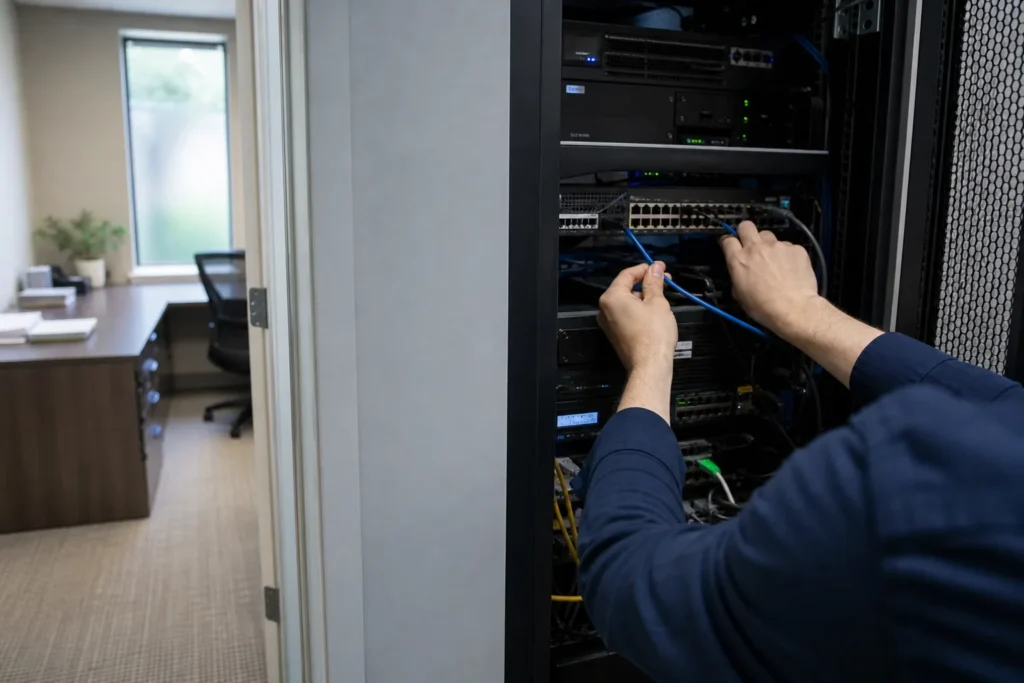
From that list we work out what needs replacing this year, what can wait, and what can be retired, so equipment is replaced before it fails or falls out of security updates.
Several of those dates are close for many GTA offices right now:
- Windows 10 reached end of support on October 14, 2025. Paid Extended Security Updates can cover a PC for up to three more years, at a price that doubles each year.
- Exchange Server 2016 and 2019 also reached end of support on October 14, 2025.
- Windows Server 2016 leaves extended support on January 12, 2027.
For each item the plan sets out the choice: replace it, pay for extended updates while you budget, or move the work somewhere else, such as Microsoft 365 or Azure. The server and Exchange page covers those upgrades in detail.
An IT budget you can defend at year end
An IT budget sets out what you will spend over the next year or two on licences, support, hardware replacement and projects. We build it from your real equipment list and renewal dates, so the numbers have reasons behind them, and the person signing off can see which costs are fixed and which can move.
We split the budget into lines that behave differently:
- Recurring costs: Microsoft 365 and other licences, the managed plan if you have one, internet and phone service, domain names
- Planned replacements: computers, servers and network equipment, spread across years where possible
- Projects: migrations, upgrades and office moves, each with a fixed quote once it is scoped
- Risk items: equipment that is out of support today, with what it would cost to fix now against waiting
When a cost can be avoided, the budget says so. Licences for staff who have left, software nobody opens any more and duplicate subscriptions show up quickly once everything is on one list.
Vendor and licence decisions
When you choose software, a phone system, an internet provider or a Microsoft 365 plan, we compare the options against how your staff actually work and what you already run. You get a short written recommendation that sets out the trade-offs, the costs over the term, and what switching would involve.
Microsoft 365 licensing deserves a careful look. Business Basic, Business Standard and Business Premium differ in what they include, especially on security, and Microsoft raised list prices for Business Basic and Business Standard on July 1, 2026. Matching each person to the plan their work needs can lower the bill, and sometimes shows that a few people need more than they have.
When the decision involves hardware or licences, we can also quote, buy and set up what you choose. The hardware and licensing section of the managed IT page explains how that works.

How planning work is billed
Day-to-day support and the plan’s security and backup tools come with the monthly price. Planning work, such as a replacement plan, a budget or a vendor review, gets a fixed quote before it starts, because the effort depends on how much you run. Anything the plan recommends you buy or build is quoted on its own.
| Work | How it is billed |
|---|---|
| Help desk questions about the systems you already run | Included in the managed plan (unlimited remote help desk) |
| Endpoint protection, email filtering, MFA setup and Microsoft 365 backup | Included in the managed plan |
| IT review, replacement plan and budget (vCIO work) | Fixed quote agreed before work starts |
| Vendor, software and licence reviews | Fixed quote agreed before work starts |
| Hardware and licences you decide to buy | Quoted before you buy, billed separately |
| Projects that come out of the plan | Fixed quote agreed before work starts |
Typical planning jobs:
- IT review of your current setup, with a written reportFixed quote
- Replacement plan and budget for computers, servers and network gearFixed quote
- Microsoft 365 licence reviewFixed quote
- Software or vendor selection for a new systemFixed quote
- IT plan for an office move or a second locationFixed quote
Who uses IT planning, and how
It suits an owner of a small office facing a big spend, such as a quote for new laptops or a server, who wants a second opinion first.
It suits a mid-size organization whose controller or board wants one plan to approve each year. And it suits an IT manager who wants a senior sounding board.
If you already have IT staff, the plan is written with them. Your IT manager knows the business and its software. We bring a second senior view on equipment, licences and the next round of end-of-support dates, and can take on the projects the plan produces. The co-managed IT page explains how we split work with in-house teams.
Questions people ask
What is a vCIO and do I need one?
A vCIO, or virtual chief information officer, does the planning part of a CIO's job part-time: what to replace and when, what it will cost, and which vendors to use. You probably need one if IT spending arrives as surprises, or if nobody can say when your server or firewall goes out of support.
Do we pay extra for a replacement plan or budget?
The managed plan covers unlimited remote help desk, on-site visits across the GTA, security tools and Microsoft 365 backup, so everyday questions about your systems are covered. A full IT review, replacement plan, budget or vendor review is a separate piece of work with a fixed quote agreed before it starts.
How often should we review our IT plan?
Once a year suits most offices, timed a couple of months before the budget is set, so replacements and renewals can be priced in. Review it sooner after a big change, such as a new location, a merger, a jump in headcount, or a vendor announcing an end-of-support date for something you rely on.
Can you help us choose software or a new vendor?
Yes. We compare the options against how your staff work and what you already run, then give you a short written recommendation with costs over the term and what switching would involve. If the choice involves hardware or licences, we can also quote, buy and set them up for you.
What if we already have an IT manager?
Then the plan is written with them. Your IT manager knows the business and its software, and we add a second senior view on equipment, licences and end-of-support dates. In-house teams can also hand us the projects the plan produces, through co-managed support quoted after a call.
Tell us what’s going on
Pick how urgent it is and leave a way to reach you. The help desk replies by phone or email. If work has stopped, call 647-812-3775 instead.
Something broken, or something to plan?
For anything urgent, call. A technician answers the emergency line 24/7. For everything else, open a ticket and tell us what is going on.