
Server Support in Toronto & Mississauga
Server troubleshooting, Windows Server updates, migrations and configuration changes for Toronto and Mississauga businesses. Get help with today's fault or plan the next upgrade.

Keep your business running. Plan the next change.
When staff cannot sign in, a shared drive disappears or an application slows to a crawl, the server becomes everyone’s problem. IT Support Hub provides server support for businesses in Toronto and Mississauga, from everyday faults to planned updates, migrations and replacement projects.
We help you understand what is failing, what depends on it and what needs to happen next. For planned work, the scope should identify the systems affected, the maintenance window, the recovery option and the checks required before staff return to work.
Work stopped? Call 647-812-3775. For a migration, upgrade or configuration request, tell us what you want to change.
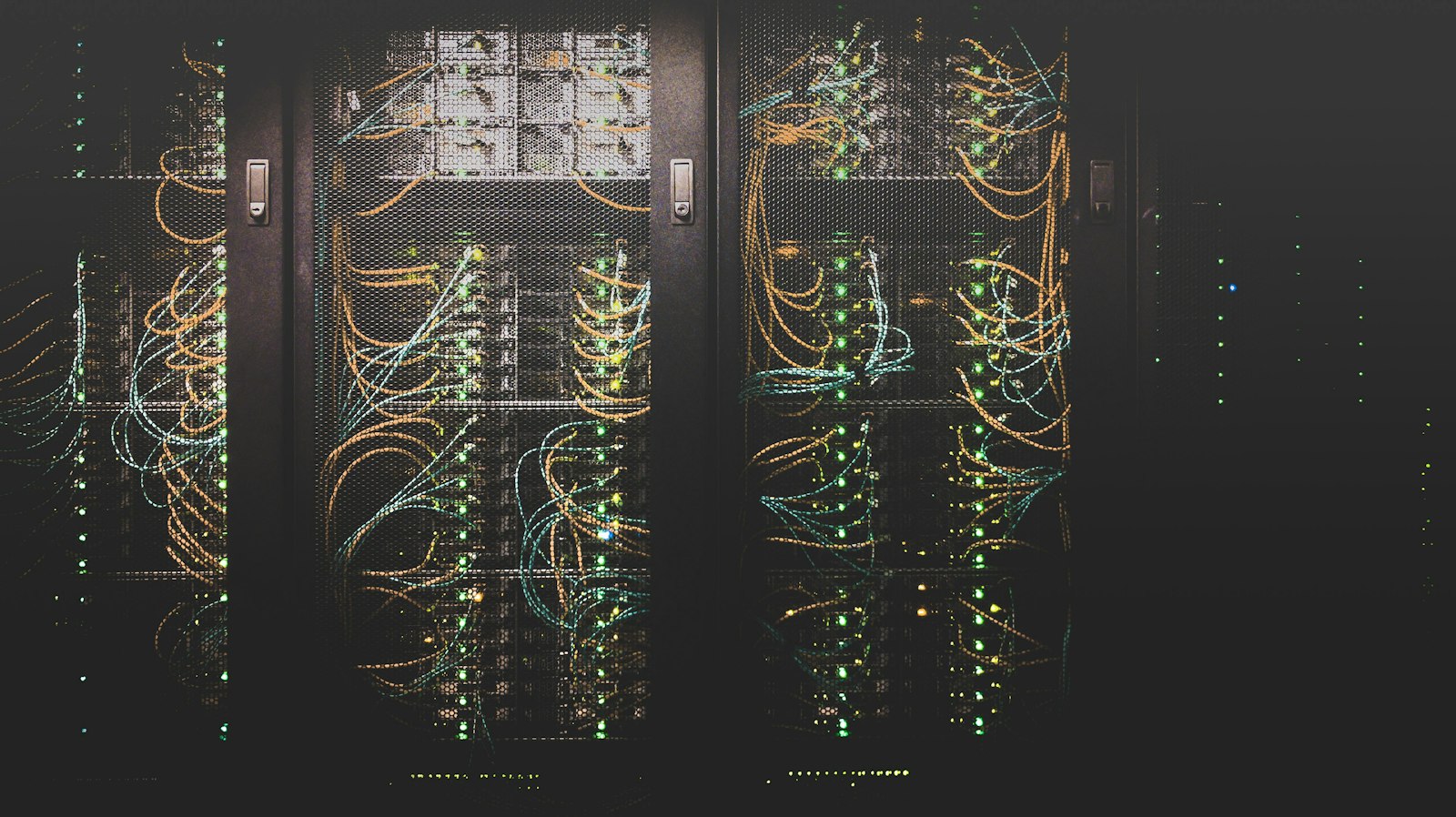
Server troubleshooting and ongoing support
Server problems often show up somewhere else first: a login fails, a printer stops working or an accounting program cannot find its database. We investigate the service behind the symptom so the fix addresses the cause.

Windows Server, staff logins and shared folders
Support can cover Windows Server services, Active Directory accounts, group permissions, mapped drives and shared printers. A login fault may involve DNS, time settings, a domain controller or the user’s device. A folder problem may involve permissions, a disconnected share or a full volume. We check the affected path rather than changing access for everyone.
Application performance and storage problems
Slow business software can result from storage delays, memory pressure, a busy virtual machine, network problems or an application fault. We review the symptoms, available logs and resource use, and involve the software vendor when its application or database needs specialist attention. Hardware and storage changes are scoped around the workload.
Physical servers, virtual machines and cloud connections
Tell us whether your system runs on office hardware, a virtual machine or Azure, and which applications depend on it. We confirm the platform, version, access and support requirements before accepting the work. A virtual machine still needs updates, backups and a recovery plan.
For ongoing help alongside your staff, see managed IT services or co-managed IT support. Network faults and secure remote access are covered through our network and firewall support.
Server updates, patching and operating system upgrades
Routine security updates and a major server upgrade are different jobs. Both need preparation, but a move to a new operating system also requires checks of application compatibility, server roles, hardware and licensing.
Planned patching and maintenance
- Review the current version, available updates, known issues and any pending restart.
- Check backup status and identify which applications or users may be affected.
- Agree on a maintenance window and notify the people who rely on the system.
- Apply the approved changes and restart services or the server where required.
- Check logins, applications, shared folders, scheduled jobs and backup operation afterwards.
Version upgrades and older systems
An in-place upgrade keeps the existing installation while moving to a newer Windows Server version. A migration moves services to another server. The right choice depends on the starting version, server roles, application support and the condition of the hardware. We assess those dependencies before recommending a route.
Microsoft publishes supported Windows Server upgrade and migration paths. Not every role or configuration supports the same approach. If your system is nearing the end of vendor support, plan the change before it becomes an emergency. Our Windows Server and Exchange guide covers replacement and lifecycle planning in more detail.
Firmware, drivers and application updates may also need attention. These are checked against the relevant vendor’s requirements and scheduled as part of the agreed scope, rather than applied indiscriminately.
Server migration and replacement services
A server migration is more than copying files. Shared paths, permissions, service accounts, printers, scheduled tasks, databases and backup jobs can all depend on the old system. We plan the move around those dependencies and the work your staff need to complete.

What can move
- Shared folders and file services, with access permissions and mapped-drive dependencies reviewed.
- Business applications and databases, subject to the software vendor’s supported installation and migration process.
- Server roles and virtual workloads, with the target platform, capacity and licensing checked first.
- Suitable workloads to Azure, or files to Microsoft 365 when the way staff use them makes that appropriate.
- Services from ageing hardware to replacement equipment, including the backup and support arrangements.
How a planned migration works
- Assess. Record server roles, applications, users, data size and connected systems. Identify any missing access or documentation.
- Prepare. Agree on the destination, licences, responsibilities, timing and acceptance checks. Establish backups and a practical recovery or rollback option.
- Build and test. Prepare the destination and test representative files, permissions and application workflows where the environment allows.
- Switch over. Complete the agreed transfer and configuration changes during the planned window. Tell staff when to stop and resume using the affected services.
- Validate and hand over. Check access, applications, backup jobs and scheduled tasks. Document the new setup and agree on retention or decommissioning of the old system.
Some interruption may be necessary. The expected window and the decision point for reverting or restoring are discussed before work begins. A rollback can also affect data entered after the switch, so that risk belongs in the plan.
For email moves, shared documents and cloud identity, see Microsoft 365 and Azure support. We assess local, cloud and hybrid options against your applications and ongoing costs.
Server configuration changes without guesswork
A small change can have a wide effect. Changing a folder permission, DNS record, service account or server address may affect an entire department. We define the intended result, check dependencies and record what changed.
Common requests
- Add or remove staff access, review security groups and adjust shared-folder permissions.
- Create or reorganize shared folders and update mapped drives or printer connections.
- Review Active Directory, DNS, DHCP and Group Policy changes within the agreed environment.
- Adjust virtual machine resources or plan storage expansion after checking capacity and backup implications.
- Review scheduled tasks, service accounts, certificates and application connections affected by a change.
- Coordinate server, network and application changes during an office move or equipment replacement.
A clear record of the work
For a planned change, the record should describe the request, the affected systems, the approval, the backup or reversal method, the work completed and the validation results. If the request would expand access or interrupt another service, that needs to be resolved before it is applied.
Tell us what staff should be able to do afterwards, not only which setting you want changed. That helps distinguish a permission problem from a broken application or a network issue.
Backup, recovery and server security
A working server is not proof of a working backup. Recovery planning needs to cover the files, applications, configuration and credentials required to bring the service back, with access to backup systems protected separately.
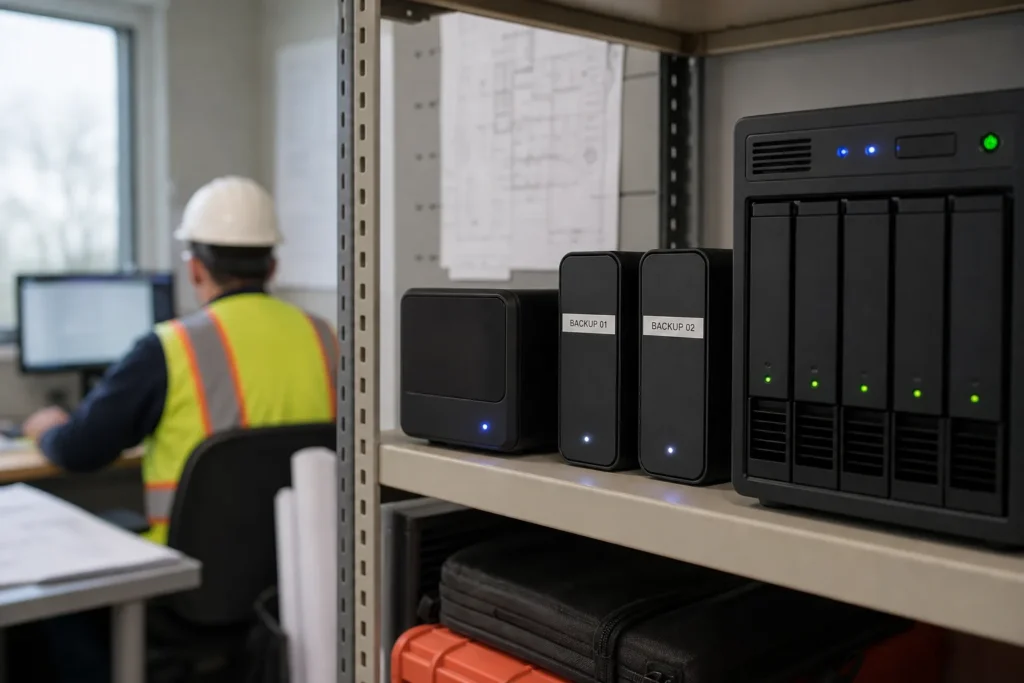
Check the recovery plan before a major change
- Confirm which systems and data are backed up, how often and for how long.
- Review where copies are stored and how they are protected from deletion or compromise.
- Agree on acceptable downtime and how much recent work the business could afford to lose.
- Test recovery appropriate to the workload, including application access where required.
- Check that backup jobs still work after an update, migration or server replacement.
The Canadian Centre for Cyber Security recommends encrypted, offline backups and testing recovery plans. A copy stored offsite is not automatically isolated from a compromised account. Redundant disks and virtual machine checkpoints are not substitutes for an independent backup plan.
Server and local-file backups are scoped separately from Microsoft 365 backup. See backup and disaster recovery services for that work. Access controls, security software and remote-access protection should also be reviewed alongside our cybersecurity services.
If the server has failed or may be compromised
Call the 24/7 emergency IT support line if work has stopped or data is at risk. Describe the error, when it began and any recent changes. Do not wipe or rebuild the machine before the recovery requirements are understood. Keep passwords and recovery keys out of the public contact form.
Server support in Toronto and Mississauga
We support GTA offices with remote assistance and on-site work where the job requires physical access. The first step is to establish the symptoms, the business impact and whether the server can be reached safely.
Toronto offices
For Toronto teams, server work may involve keeping an office application running, coordinating a replacement with the software vendor or preparing an upgrade around staff availability. Include your location, building access requirements and the people available to test the result. See our Toronto IT support services.
Mississauga businesses
For Mississauga businesses, we can assess shared-drive problems, server maintenance and planned migrations alongside the network and remote access that staff depend on. If warehouse, production or specialist software is involved, identify the vendor and any operating hours that restrict a maintenance window. See IT services in Mississauga.
Remote work and on-site visits are scheduled according to the issue, access requirements and agreed scope. Response and completion times depend on the fault and the systems involved; a migration should be planned before an ageing server fails.
What a server support quote should cover
Day-to-day support, a server replacement and a migration have different scopes. We identify the systems and work involved before a project starts, with hardware, licences and recurring services made clear.
| Work | How it is handled |
|---|---|
| Login, shared-drive and printer faults; routine staff access changes | Covered by the applicable managed support scope; hourly support can be discussed for other clients. |
| Server replacement, major upgrade or migration | Scoped as a project, with a fixed quote agreed before work starts. |
| Hardware, operating system and application licences | Listed separately where needed. |
| Azure consumption and other cloud subscriptions | Ongoing charges considered as part of the proposed design. |
| Server and local-file backup arrangements | Scoped and quoted separately for the systems and recovery requirements. |
The number of servers, applications, users and locations affects the work. So do data volume, existing faults, documentation and how much downtime is acceptable. Visit IT support pricing for the managed-plan framework, or request a quote for a specific project.
What to send with your request
- Your office location and whether the request is urgent or planned.
- What is failing, or what you want the server to do differently.
- Server versions and the number of physical or virtual servers, if known.
- The applications and approximate number of users affected.
- Your preferred timing, any important deadlines and the available maintenance window.
- Whether backups are running and when a restore was last tested, if known.
You do not need every technical detail to start. Tell us what you know, and we can establish the remaining requirements during assessment. Do not include passwords, private customer files or backup encryption keys.
Questions people ask
Do you provide server support in both Toronto and Mississauga?
Yes. IT Support Hub supports businesses in Toronto, Mississauga and the wider GTA. Remote assistance and on-site work are arranged according to the issue, access requirements and agreed scope. Tell us your location and how the fault is affecting staff.
Can you update Windows Server without replacing the hardware?
Sometimes. Routine updates normally keep the existing system, while a major version upgrade depends on the hardware, server roles, application compatibility and Microsoft's supported upgrade path. We assess whether an in-place upgrade or a migration is the better fit.
Will staff lose access during a server migration?
Some interruption may be required, particularly during the final transfer or application switch. The project plan should identify the expected window, affected users, validation steps and recovery option. Zero downtime cannot be assumed.
Can you move a server to Azure or Microsoft 365?
Suitable workloads may move to Azure, while email and appropriate document workflows may move to Microsoft 365. These are different destinations with different capabilities and costs. Application compatibility, identity, connectivity, licensing and backup requirements are assessed first.
Can you fix folder permissions or add users without a migration?
Yes. Staff access, group membership, shared folders and other configuration requests can be handled separately from replacement projects. We confirm the intended access, approval and effect on other users before making the change.
Can you take over support from another IT provider?
A handover starts with authorized access, an inventory of servers and applications, licence details, backup arrangements and available documentation. Any missing access or support dependencies must be resolved before work that relies on them can proceed.
Are server backups included in Microsoft 365 backup?
No. Microsoft 365 backup and backup of local servers or files are different scopes. Server recovery arrangements are assessed and quoted separately, including the required storage, retention and restoration checks.
How much does a server migration cost?
The quote depends on server roles, data volume, applications, user access, licensing, the target system and the permitted interruption. Hardware and recurring cloud charges also affect total cost. A fixed project quote is prepared after the scope is established.
What should we do if the server is down now?
Call 647-812-3775 for the 24/7 emergency line. Explain when the problem began, the visible error and whether any updates or changes happened recently. Avoid wiping or rebuilding the system before the recovery requirements are understood.
Tell us what’s going on
Pick how urgent it is and leave a way to reach you. The help desk replies by phone or email. If work has stopped, call 647-812-3775 instead.
Something broken, or something to plan?
For anything urgent, call. A technician answers the emergency line 24/7. For everything else, open a ticket and tell us what is going on.