
Server Migration in Toronto & Mississauga
A practical guide to moving Windows Server, files, applications and virtual machines. Plan the transfer, downtime, recovery and acceptance checks for your Toronto or Mississauga business.
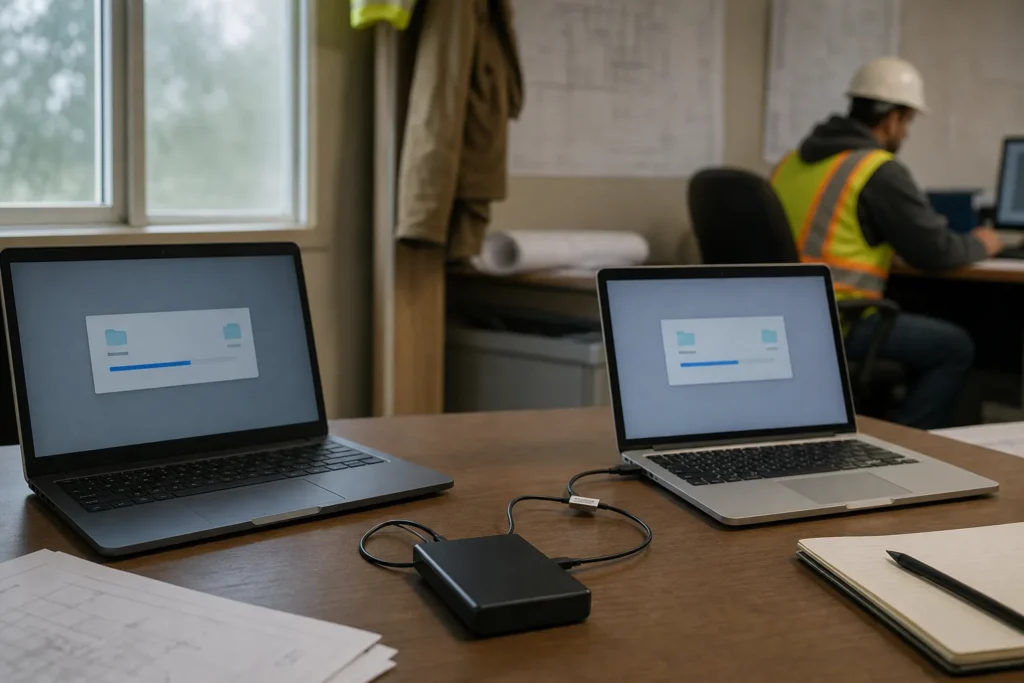
Plan a server migration around business continuity
A successful server migration ends when people can do their work on the new system, backups are running and the old environment can be retired safely. Copying files or starting a virtual machine is only part of that result.
IT Support Hub helps Toronto and Mississauga businesses assess server replacements, Windows Server migrations and planned infrastructure changes. This guide explains what to include in the scope, how to reduce disruption and what to check before accepting the result. Platform support, access, software-vendor involvement and any physical handling are confirmed during assessment.
For an existing fault or routine maintenance, visit server support in Toronto and Mississauga. For broader help with your office systems, explore IT Support Hub’s business IT services.
What your migration plan should answer
- Which business services are moving, and who depends on them?
- What will change for users, applications and administrators?
- How long can each service be unavailable?
- What is the recovery route if the switch fails?
- Who tests the result and authorizes retirement of the old system?
Which type of server migration do you need?
Start by identifying what is moving. A physical relocation, a file-server replacement and a cloud migration need different tools, responsibilities and recovery plans. A project may combine several types.
| Migration type | What changes | What to check first |
|---|---|---|
| New physical server | Workloads move to replacement hardware. | Application support, storage performance, drivers, licences and backup compatibility. |
| Windows Server role migration | Selected roles move to a separate installation. | Supported source and target versions and the procedure for each role. |
| File-server migration | Shared data and access configuration move. | Permissions, paths, open files, ownership, quotas and mapped drives. |
| Virtual machine migration | A workload changes host, storage or virtualization platform. | Compatibility, capacity, network mapping, virtual hardware and recovery. |
| Cloud migration | Workloads move to cloud infrastructure or a different service model. | Readiness, connectivity, identity, backup, recurring costs and location requirements. |
| Physical server relocation | The same equipment moves to another room or facility. | Destination readiness, equipment inventory, handling, transport and reconnection. |
Migration or in-place upgrade?
An in-place upgrade changes the operating system on the existing installation. A migration moves a role or workload to a different destination. A fresh destination can make testing and staged transfer easier, but it introduces new configuration and licensing work. Neither approach is suitable for every application. Check the Microsoft Windows Server upgrade and migration guidance against the exact configuration before selecting a method.
Pre-migration assessment and dependency checklist
A useful inventory records how the business uses a server, not just its processor and disk size. Give every workload an owner who can explain what it does and confirm whether it works after the move.
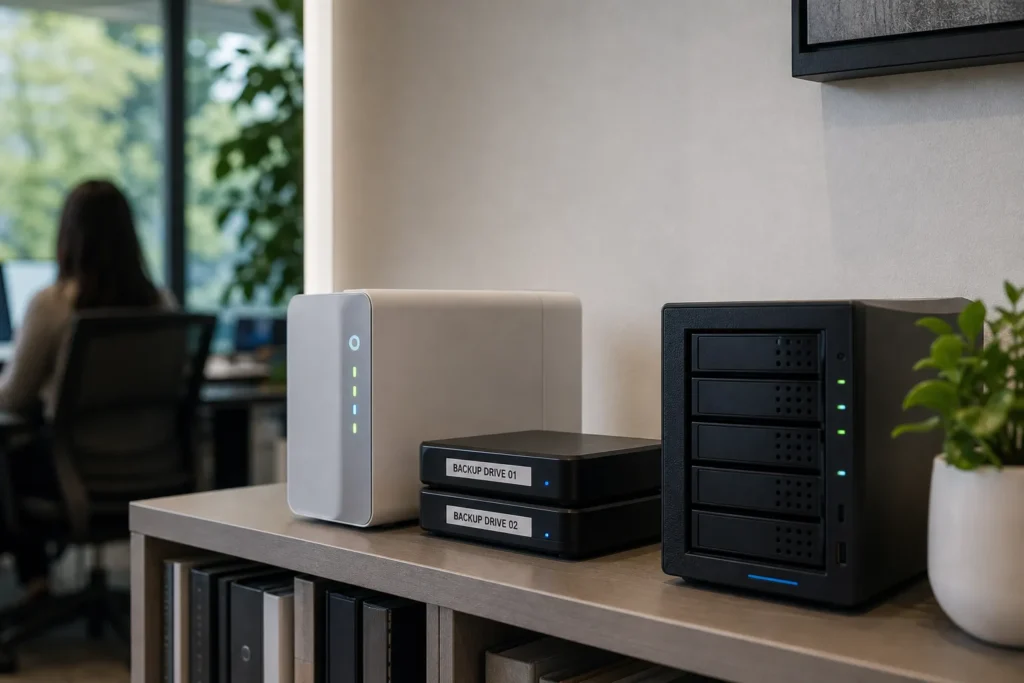
Record the current environment
- Systems: server names, addresses, operating systems, installed roles, physical hosts and virtual machines.
- Applications: versions, installation media, vendor contacts, support agreements, databases and activation requirements.
- Data: used capacity, growth, file counts, business-critical folders, retention requirements and transfer restrictions.
- Identity: domains, security groups, service accounts, scheduled tasks and certificate dependencies.
- Connections: DNS records, firewall rules, VPNs, printers, scanners, integrations and external services.
- Recovery: backup locations, recent job results, restore tests and access to recovery credentials.
- Operations: business hours, payroll or month-end deadlines, remote users and acceptance-test owners.
Measure a representative workload
Review resource use during normal work and busy periods. A lightly used server on a Friday afternoon may be heavily loaded during reporting or overnight processing. Record storage latency and growth as well as CPU and memory use. Size the destination around the workload and a reasonable growth allowance, then validate those assumptions in testing.
Pause the cutover plan if nobody can restore the backup, the application vendor has not confirmed the destination, essential credentials are missing or the business has not agreed on an outage window. Resolving these gaps is part of preparation, not a task to leave until migration night.
A practical seven-stage server migration process
1. Define scope and ownership
List the services included, excluded work, project contacts and decision-makers. Agree who supplies hardware, licences, application support and destination access. Record success criteria in business terms, such as an authorized user opening a shared workbook or creating a test transaction in an application.
2. Design the destination
Confirm capacity, operating system, network placement, storage, identity, security controls and backup coverage. Resolve addressing conflicts and dependencies before building. Document ongoing costs and support responsibilities for any new cloud services.
3. Prepare recovery and the change plan
Establish usable backups, protect configuration records and test the recovery method appropriate to the workload. Write the cutover sequence, communications plan, rollback triggers and latest decision time. Keep the plan accessible if the systems being moved are unavailable.
4. Build and test
Prepare the destination and test representative workflows in a controlled environment. Prevent a test system from sending real customer emails, processing live jobs or conflicting with production identities. Record defects and resolve them before approving the final switch.
5. Transfer and synchronize
Where the selected method supports it, copy the initial data before the outage and transfer the remaining changes during the final window. Check logs, failed items and permissions. A completed transfer job is evidence to review, not automatic proof that every application will work.
6. Cut over and validate
Stop or restrict writes as planned, complete the final synchronization and switch the necessary paths or connections. Follow the agreed startup order. Have business owners test critical workflows before releasing the environment to all users.
7. Monitor, document and retire
Watch the new system through relevant operating cycles, including scheduled jobs and backups. Resolve outstanding faults, hand over documentation and obtain acceptance. Retire the old environment only after the retention and recovery requirements have been met.

Plan each workload around its dependencies
File shares and permissions
Copying folders is not enough. Review share permissions and file-system permissions, group membership, ownership, inherited access, long paths and locked files. Decide whether users will keep the existing path or receive a new one. Include scanners, scripts and applications that write directly to a share.
Microsoft Storage Migration Service can inventory and transfer supported file-server data and configuration, with an optional server-identity cutover. Its suitability depends on the source, destination and prerequisites. It does not replace a separate plan for unrelated application or directory roles.
Active Directory, DNS and DHCP
Directory and name-resolution services affect many other systems. Review directory health, replication, DNS configuration and role dependencies before changes. Document DHCP scopes, reservations, options and relay arrangements if address allocation is moving. Use the supported procedure for each role and verify client behaviour before removing the old service. Treat domain-controller recovery as a role-specific task.
Business applications and databases
Ask the application vendor which operating systems, database versions and migration methods it supports. Include database logins, scheduled jobs, connection strings, certificates, integration accounts and licensing tied to a server identity. Use application-consistent transfer and recovery methods where required. Test an actual business workflow rather than relying only on a successful database connection.
Virtual machines
A host-to-host move and a conversion between virtualization platforms are different projects. Check the supported migration path, virtual hardware, boot configuration, guest tools, network adapters and destination storage. A VM that starts successfully can still have missing connectivity or poor performance. Include backup registration and monitoring in the handover.
Azure and Microsoft 365
Azure Migrate provides discovery, assessment and migration capabilities for supported workloads. Assess compatibility and ongoing costs before choosing a target. Moving a VM to Azure still leaves operating-system and application responsibilities to address.
Moving shared files to SharePoint or OneDrive changes how people collaborate and access data. It is not a direct replacement for every application that uses a network share. Evaluate file behaviour, access controls, synchronization and staff training. See Microsoft 365 and Azure support for related planning.
Downtime, cutover and rollback planning
Separate the total project duration from the period when users cannot work. Discovery, procurement, testing and initial copying may happen before the outage. The final interruption depends on the remaining data changes, application shutdown, switching steps and validation.
Define the recovery targets
Recovery time objective (RTO) is the target time for restoring a service after disruption. Recovery point objective (RPO) describes the acceptable amount of lost recent work, expressed as time. These are planning targets, not guarantees created by writing them into a document. The backup, replication and recovery design must be capable of supporting them.
Example of an agreed maintenance window
For illustration, a business might reserve Saturday evening for the final switch and Sunday morning for staff testing. The plan would identify when users stop entering data, when the final copy begins, the latest time to abandon the switch and who confirms readiness. The actual timetable must come from measured transfer tests and application requirements, not this example.
- Tell users which services will be unavailable and how status updates will reach them.
- Control writes so the old and new systems do not accumulate conflicting records.
- Document what triggers a rollback, who authorizes it and how long it takes.
- Explain how new data entered after cutover would be recovered or reconciled.
- Reserve time for business testing before the next working period.
Keeping the old server powered on is not a complete rollback plan. Reverting may require reversing network changes, restoring an application or reconciling transactions. Where a step is difficult to reverse, document the recovery alternative before starting.
Moving physical servers between offices or facilities
When equipment itself must move, the project needs a logistics plan as well as a technical plan. Confirm responsibility for packing, lifting, transport, insurance, facility access and application testing. Physical handling and specialist transport should be explicitly included in the scope rather than assumed.
Before shutdown
- Record asset tags, serial numbers, rack positions and equipment condition.
- Photograph and label cable connections, including switch ports and power feeds.
- Check destination rack depth, rail compatibility, space, cooling, network availability and power requirements against the actual equipment.
- Confirm building access, loading arrangements, authorized handlers and contact numbers.
- Verify recoverable backups and the agreed application shutdown sequence.
During transport and installation
Use suitable equipment protection and document handoffs for hardware containing business data. Follow manufacturer handling and environmental guidance, including acclimatization after temperature changes. Do not assume that every rack or site has the same electrical supply. At the destination, confirm the cabling and network assignments before startup.
A server passing its hardware startup checks does not mean the move is complete. Users still need working name resolution, application connections and access to shared services. For related network work, see network and firewall support.
Protect data and access throughout the move
A migration creates temporary copies, new access paths and sometimes overlapping environments. Identify where data will exist during each stage, who can access it and when temporary copies will be removed. Agree on location and handling requirements with the business owner before selecting a destination.

- Use approved transfer methods and protect data in transit and at rest as appropriate to the system.
- Limit migration accounts to the access needed and remove temporary permissions after the work.
- Keep credentials and recovery keys in an approved secure store, not in email attachments or public ticket forms.
- Check security software, monitoring, patching and remote-access controls on the destination.
- Protect recovery copies from changes or compromise in the production environment.
The Canadian Centre for Cyber Security’s recovery guidance recommends encrypted offline backups and testing recovery arrangements. Apply those principles to migration preparation as well. A snapshot or redundant disk set alone does not establish an independent recovery capability.
Hosting data in Canada does not by itself prove that every contractual, privacy or security requirement has been met. Identify the applicable requirements with your organization’s responsible advisers and record the controls and evidence they need. See our cybersecurity services and backup and disaster recovery services for related support.
Post-migration acceptance checklist
Prepare the checklist before the move and assign an owner to each test. A server responding to a network check is only an initial technical signal.
| Area | Acceptance evidence |
|---|---|
| User access | Representative staff can sign in and reach authorized resources; restricted users remain restricted. |
| Files | Transfer exceptions are resolved, representative files open, and agreed count, size or integrity checks pass. |
| Applications | Business owners complete representative workflows, reports and integrations. |
| Network services | Name resolution, remote access, printing and dependent connections work as intended. |
| Performance | Response times and resource use are acceptable under representative load. |
| Automation | Scheduled tasks, alerts and overnight jobs complete successfully. |
| Recovery | The destination is included in backup jobs and the agreed restore validation has passed. |
| Handover | Owners receive configuration records, open issues, support contacts and retirement decisions. |
When can the old server be retired?
Set a retention period based on recovery, records and operational requirements. Restrict the old environment to avoid accidental use and conflicting data. Before disposal or reuse, remove obsolete integrations, revoke unneeded access, update the asset register and use an appropriate data sanitization process. Keep any required evidence of the work.
What affects server migration cost and timing?
A useful quote describes the work and assumptions. Server count alone is a poor measure: one business application with several integrations may take more effort than several uncomplicated file shares.
- Complexity: applications, databases, directory roles and undocumented dependencies.
- Data: volume, file count, change rate, bandwidth and transfer errors.
- Destination: hardware availability, cloud configuration, licences and storage requirements.
- Service window: out-of-hours work, staged transfers and availability requirements.
- Validation: test environments, business-owner availability and recovery testing.
- Physical work: access, packing, transport, installation and specialist handling where required.
Separate project labour from hardware, software licences, cloud consumption and ongoing support. Identify vendor fees and any work excluded from the quote. A lower transfer cost can still leave a higher monthly operating bill, so compare the ongoing arrangement too.
IT Support Hub scopes server migration and replacement projects before work begins. Start with your current server setup, applications, office location and preferred timing. Our IT support pricing page explains the wider support framework; a migration needs its own agreed scope.
Server migration planning for Toronto and Mississauga
For a Toronto office, the project may involve replacing ageing hardware while retaining an application that staff use every day. For a Mississauga business, it may involve coordinating a move around warehouse operations, remote users or vendor-maintained software. The schedule should follow the business workflow, not only the availability of a new server.
IT Support Hub can assess the current setup and define the next steps with your team and application vendors. Remote work and on-site requirements are agreed for the project. Tell us early if the scope includes other facilities or locations so responsibilities can be confirmed.
Send these details to start
- Your location and whether this is a planned replacement, cloud move or physical relocation.
- The servers and applications involved, if known.
- The approximate number of users and amount of data.
- Any important deadlines or periods when work cannot stop.
- The intended destination and the current backup arrangement.
Do not send passwords or private business files with the initial enquiry. We can establish the technical details during assessment.
Request a migration assessment Call 647-812-3775
Need help keeping the existing environment running? Visit server support, managed IT services or the IT Support Hub homepage.
Technical references reviewed October 25, 2026. Supported migration methods depend on the product versions and configuration in use.
Questions people ask
How long does a server migration take?
The overall project includes assessment, preparation, transfer, testing and handover. The user outage may be much shorter than that project. Data volume, application dependencies, transfer speed and testing requirements determine the schedule.
Can users keep working during a migration?
Some methods allow an initial copy while users keep working. A final write freeze or outage may still be needed to synchronize changes and switch services. The agreed plan must explain when users stop and resume work.
Is zero-downtime server migration possible?
Some architectures and workloads support very short interruptions or continuous availability, but that cannot be assumed for an ordinary server replacement. Assess the application, infrastructure and budget before making an availability commitment.
Can we keep the same shared-drive paths?
Sometimes. The selected method may preserve a server identity or provide a planned way to maintain paths. Check compatibility, name resolution, permissions and applications that use those paths before committing to this approach.
Should we replace the server or move to the cloud?
Compare application support, connectivity, performance, recovery requirements, administration and ongoing cost. Some workloads suit a cloud destination; others are better kept locally or redesigned. A migration assessment should explain the trade-offs.
Does migrating a server automatically upgrade Windows Server?
No. A physical relocation or VM move may leave the operating system unchanged. An operating-system upgrade or migration to a newer installation must be explicitly included and checked against supported paths.
Is a VM snapshot enough protection before migration?
A snapshot or checkpoint alone is not an independent backup plan. The recovery method must suit the workload, survive the relevant failure scenario and be tested. Directory and database services may require specific recovery procedures.
What happens if the migration fails?
The change plan should define stop conditions, a decision-maker and a tested rollback or recovery route. It must also explain how data entered after cutover would be retained or reconciled.
Can IT Support Hub coordinate with our software vendor?
Vendor involvement can be included in the project scope where the application needs specialist installation, licensing or database work. Identify the vendor and support arrangements during assessment.
Do you help businesses in Toronto and Mississauga?
Yes. IT Support Hub supports Toronto and Mississauga businesses. Migration scope, platform suitability, remote access and on-site requirements are confirmed before work is scheduled.
Tell us what’s going on
Pick how urgent it is and leave a way to reach you. The help desk replies by phone or email. If work has stopped, call 647-812-3775 instead.
Something broken, or something to plan?
For anything urgent, call. A technician answers the emergency line 24/7. For everything else, open a ticket and tell us what is going on.